To search for a patient:
l
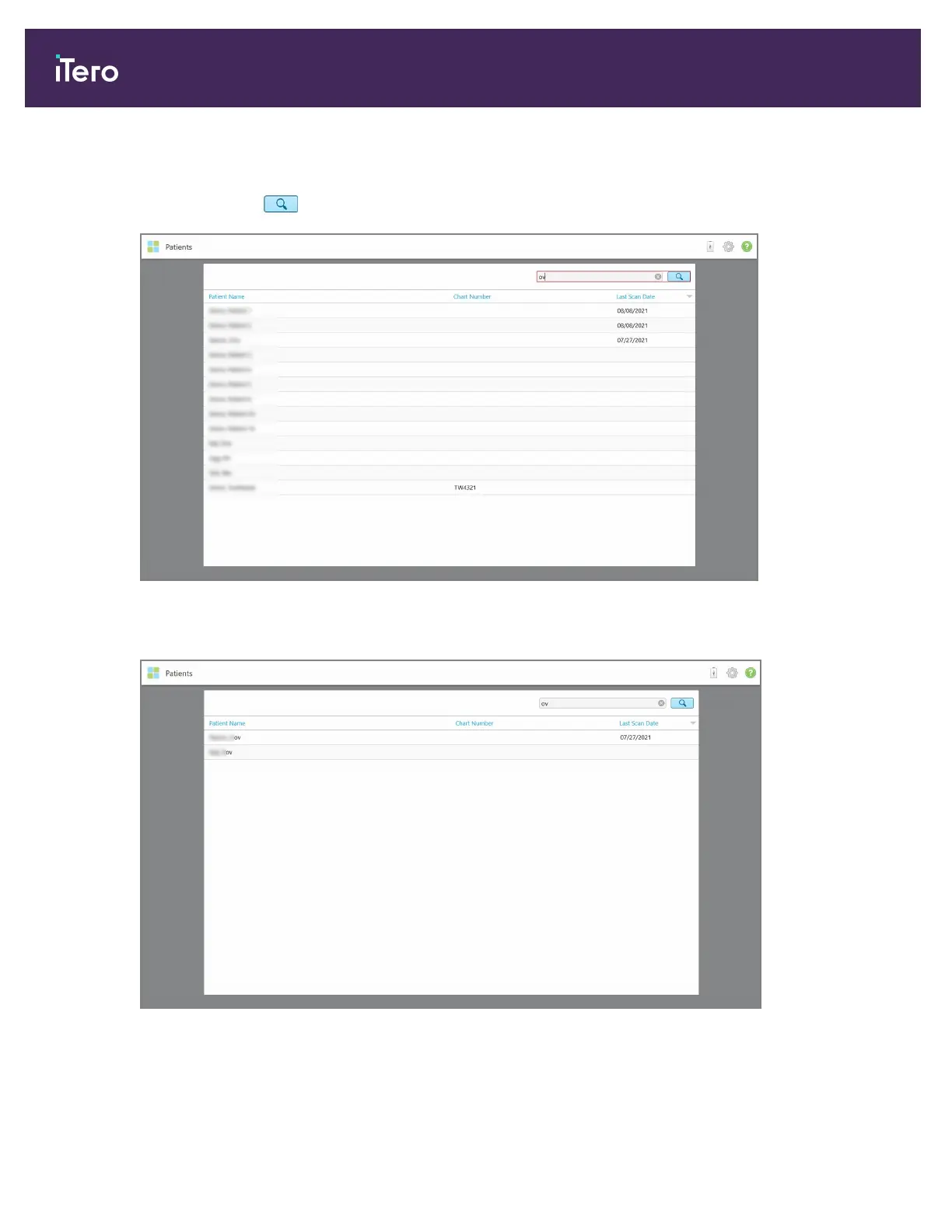
In the Patients page, enter the patient’s name or chart number (or part thereof) in the search field and then tap
the search button .
Figure 127: Searching for a patient
The patients that match the search criteria are displayed.
Figure 128: Patients matching the search criteria are displayed
iTero Element 5D and iTero Element 5D Plus imaging systems User manual
124 © 2022 Align Technology, Inc. All rights reserved.



 To Next Page