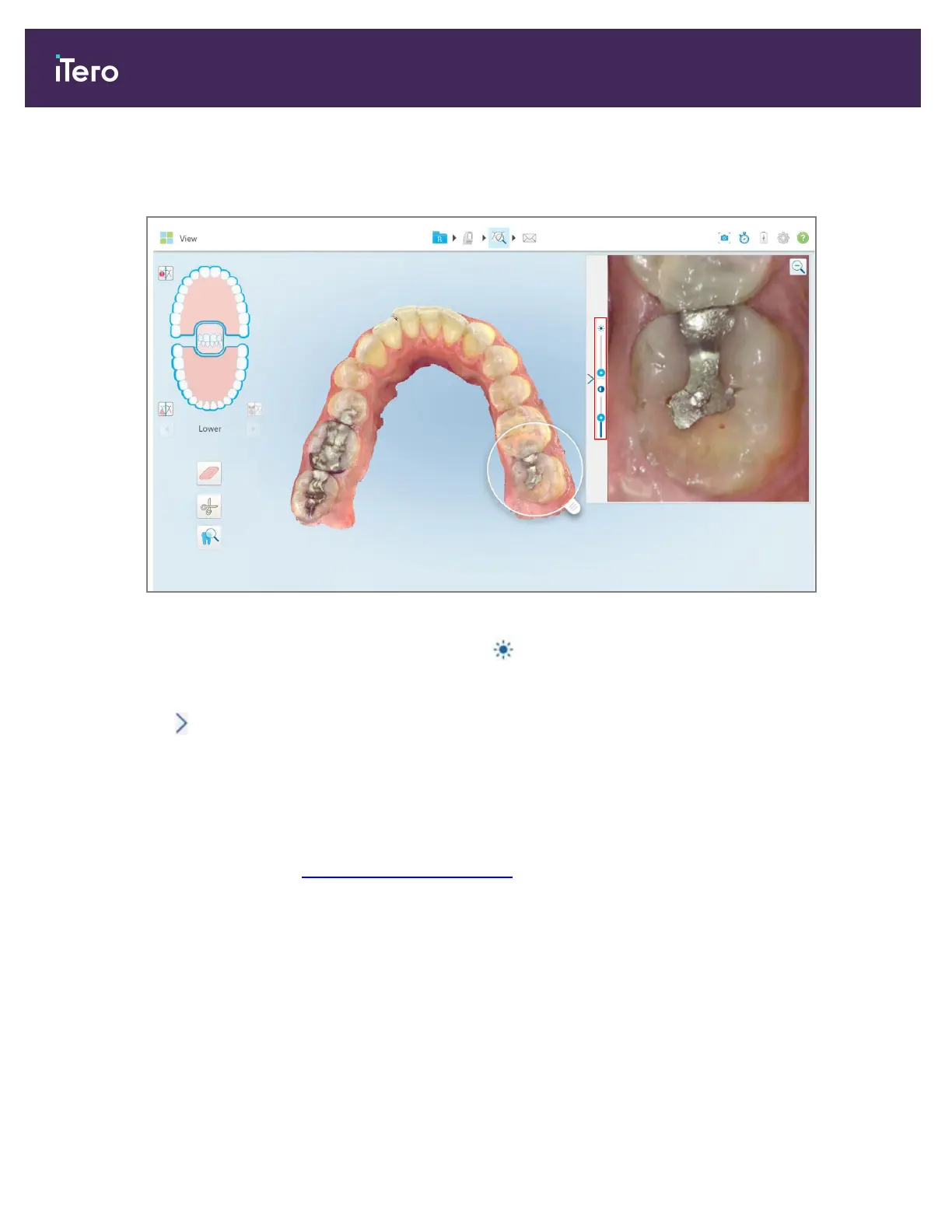
A brightness and contrast adjustment toolbar is displayed on window in the image pane. By default, the
brightness level is set to the lowest position and the contrast is set to the middle position.
Figure 191: Brightness and contrast toolbar
2.
Move the slider up or down to adjust the brightness or contrast.
Tip: You can tap anywhere in the slider area and drag up or down to adjust the settings.
3.
Tap to collapse the toolbar.
10.12.3Capturing the Review tool images
If required, you can capture the images displayed when using the Review tool. These images become part of the
patient’s export package and can later be downloaded from MyiTero.
For more information, see Working with the Snapshot tool.
iTero Element 5D and iTero Element 5D Plus imaging systems User manual
176 © 2022 Align Technology, Inc. All rights reserved.



 To Next Page