You will receive an email from an iTero representative with login credentials and detailed information on how to
proceed with the Make It Mine process.
Note: If you accessed the Demo Mode from the Welcome page before registering the scanner, you will have to
restart the scanner to access the Make It Mine option.
To register the scanner:
1. In the Welcome page, select the required language.
2. Tap Make It Mine.
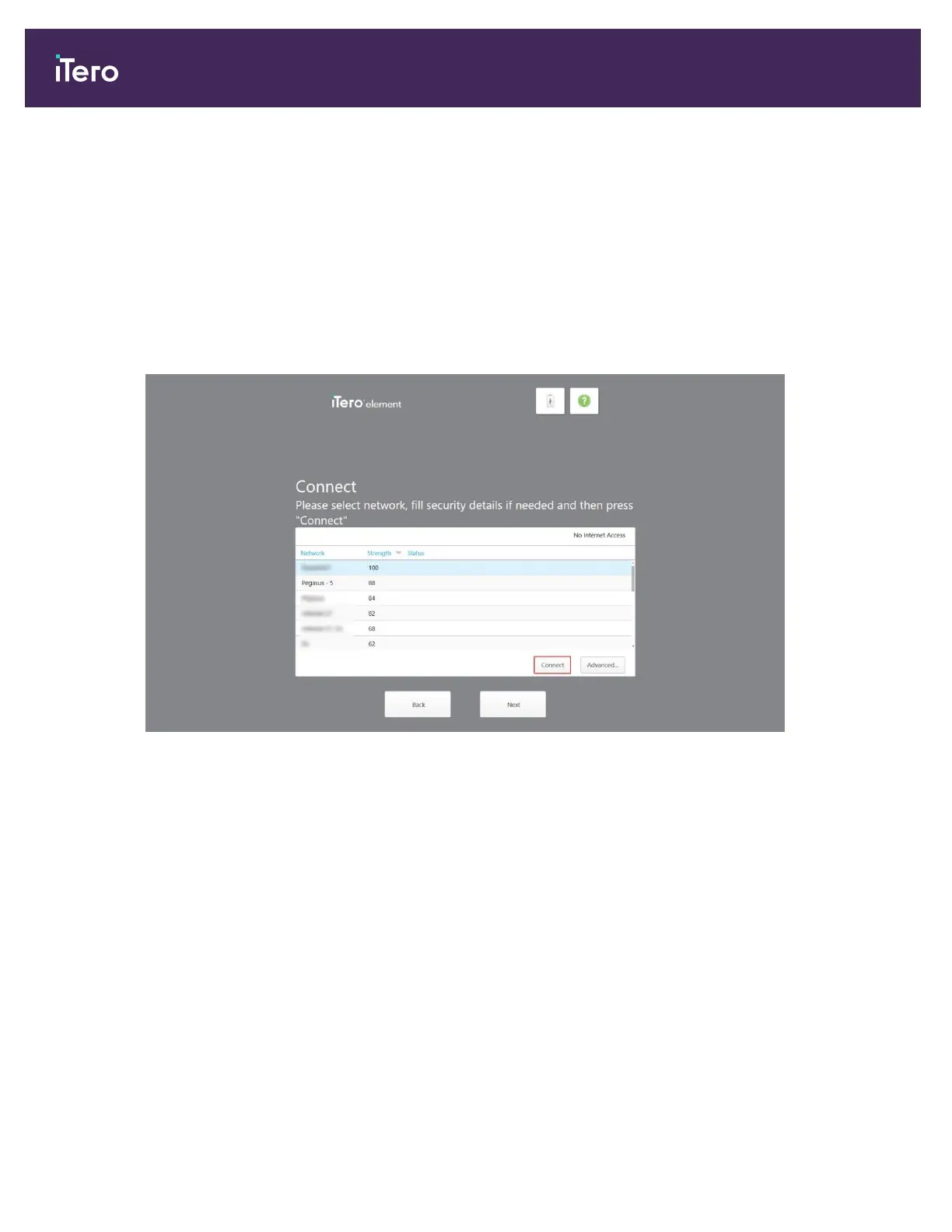
The Connect page is displayed, showing a list of available networks.
Figure 20: Connect page listing the available networks
iTero Element 5D and iTero Element 5D Plus imaging systems User manual
34 © 2022 Align Technology, Inc. All rights reserved.



 To Next Page