o
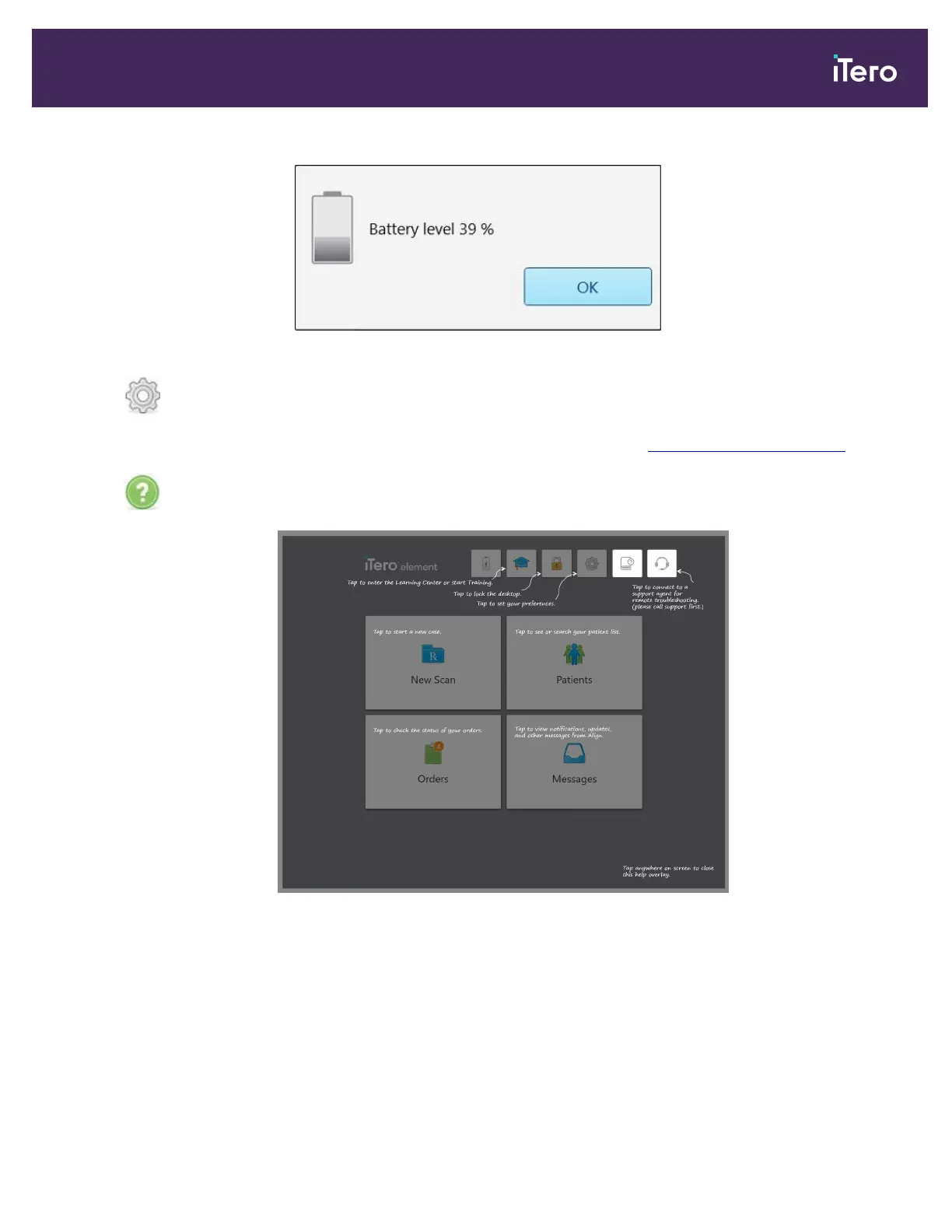
Tap to view the percentage of the remaining charge:
Figure 54: Percentage of remaining battery charge
Tap to adjust the scanner preferences, for example, for wand configuration,
localization, user settings, and more.
For more information on the Settings preferences, see Defining the scanner settings.
Tap to display a translucent Help overlay with hints to aid in the navigation of features
and tools.
Figure 55: Help overlay
iTero Element 5D and iTero Element 5D Plus imaging systems User manual
© 2022 Align Technology, Inc. All rights reserved. 61



 To Next Page