o
Vivera: A simple scan with no additional modification, for the creation of a clear retainer that is similar to a
single Invisalign aligner, which maintains the position of the teeth after treatment.
o
Vivera Pre-Debond: A scan used on patients while their brackets are still attached. The Vivera retainers
are then provided at the debonding appointment.
o
Invisalign + iRecord: Records the file (iRecord) and uploads an Invisalign scan to the IDS portal. Saves
two different scans, as may be requested for insurance-refund purposes.
o
Restorative: A scan that you need to send to a laboratory for modeling or milling.
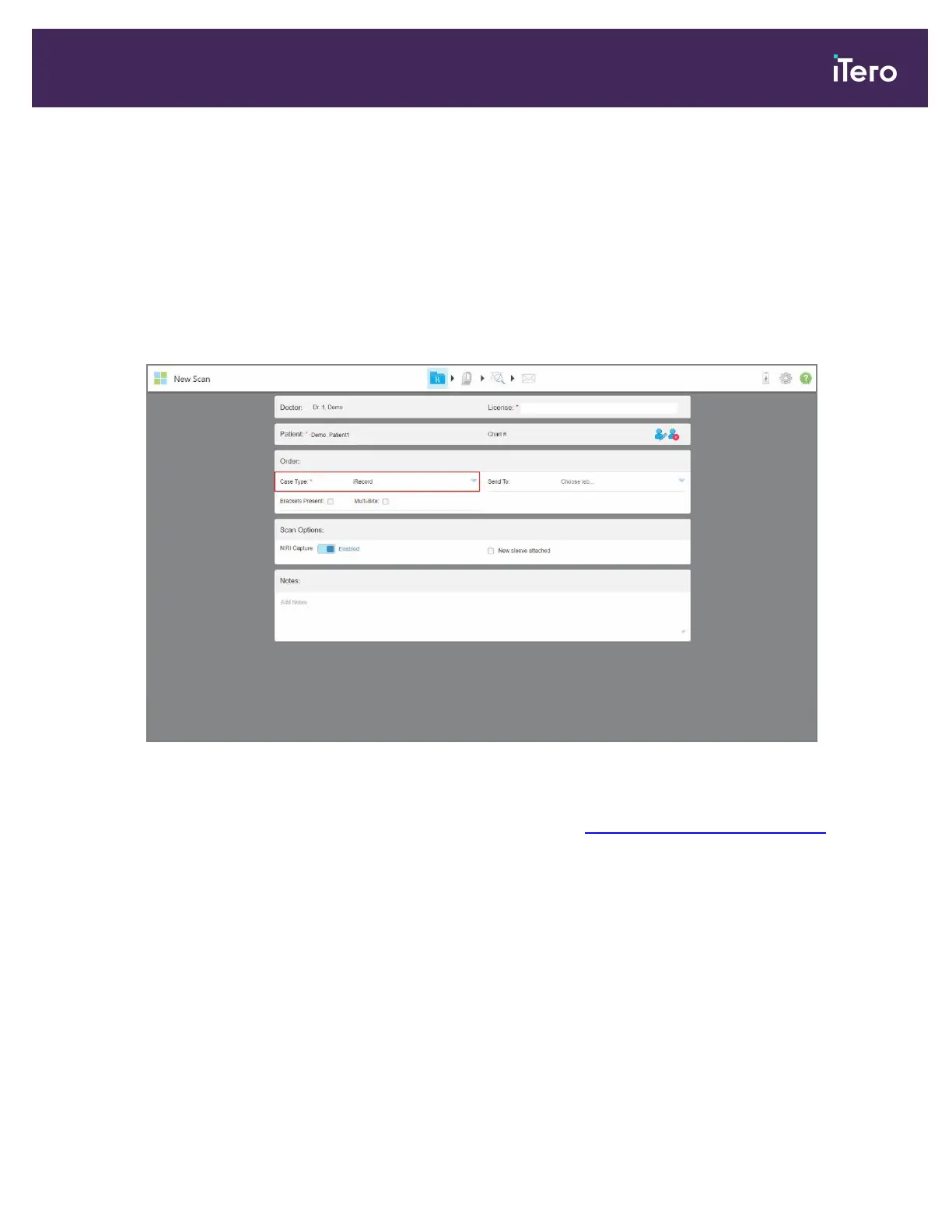
The New Scan window is displayed, according to the case type selected.
Figure 94: New Scan window – iRecord case type
3. Depending on the case type selected, fill in the relevant details.
o
Restorative and Chair Side Milling case types, described in Working with restorative scan types.
o
iCast: Select the Brackets Present check box if there are brackets on the patient’s teeth.
o
iRecord:
l
Select the Brackets Present check box if there are brackets on the patient’s teeth.
l
Select the Multi-Bite check box if a multi-bite scan is required. This enables you to preserve the 2-bite
relation based on your needs, and delivers precise bite information to the lab for appliance fabrication, for
example, sleep apnea appliances.
l
If your subscription package includes the Final Records option, you can select the treatment stage. For
more information, refer to the Invisalign documentation.
4. If relevant, from the Send To drop-down list, select the lab to which the scan should be sent.
iTero Element 5D and iTero Element 5D Plus imaging systems User manual
© 2022 Align Technology, Inc. All rights reserved. 97



 To Next Page