CAUTION: Dispose of used sleeves according to standard operating
procedures or local regulations for the disposal of contaminated
medical waste.
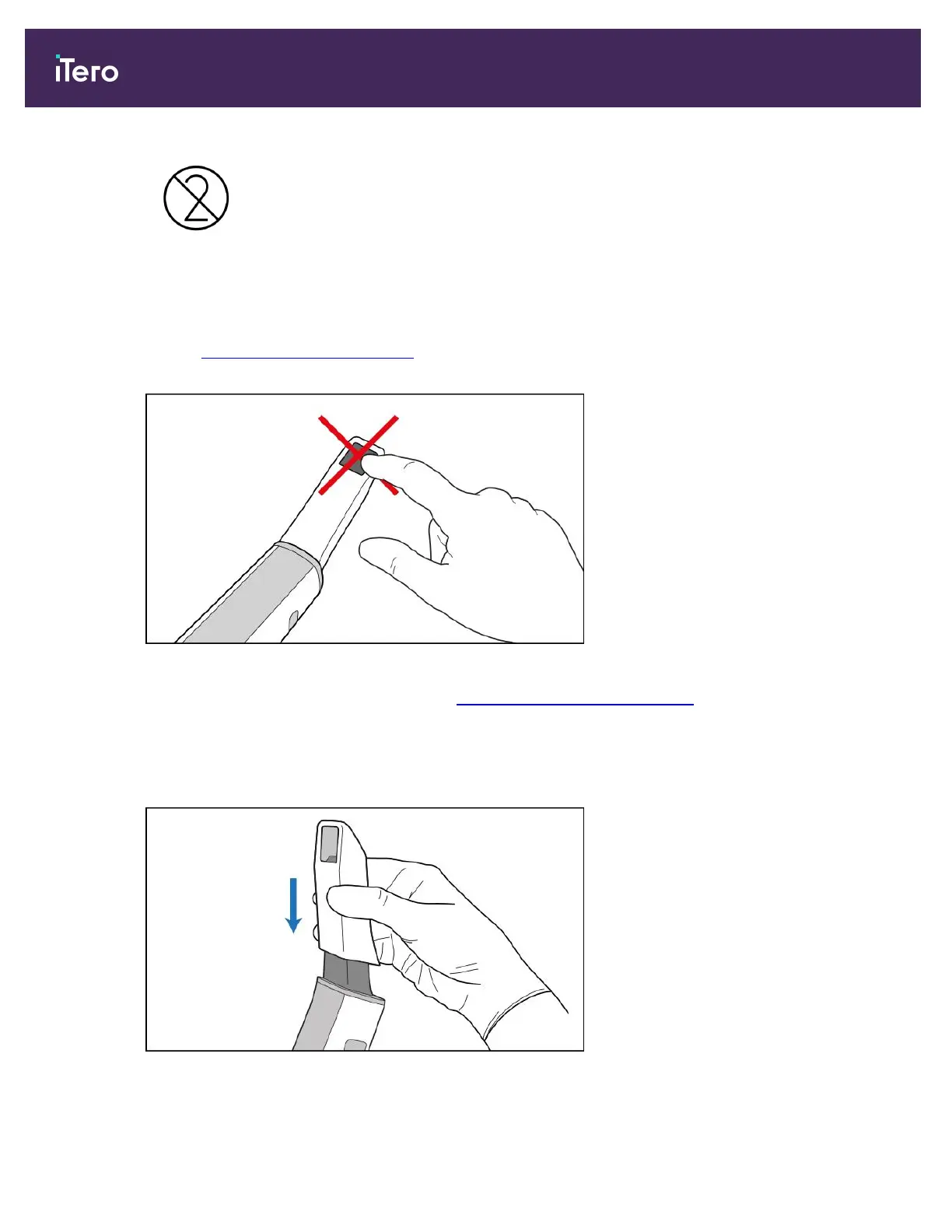
CAUTION: OPTICAL SURFACE!
DO NOT touch the optical surface of the wand. Contact may cause damage. If additional cleaning, besides that
listed in Wand cleaning and disinfection is necessary, use the anti-static cloth found inside the sleeve box. For
more information, refer to the instructions in the box.
Figure 124: Optical surface of the wand
2. Clean and disinfect the wand, as described in Cleaning and disinfecting the wand.
3. Gently slide a new sleeve onto the tip of the wand until it clicks into place.
Note: If the scanner will not be used immediately after cleaning and disinfection, attach the blue protective
sleeve.
Figure 125: Gently slide the new sleeve into place
iTero Element 5D and iTero Element 5D Plus imaging systems User manual
122 © 2022 Align Technology, Inc. All rights reserved.



 To Next Page