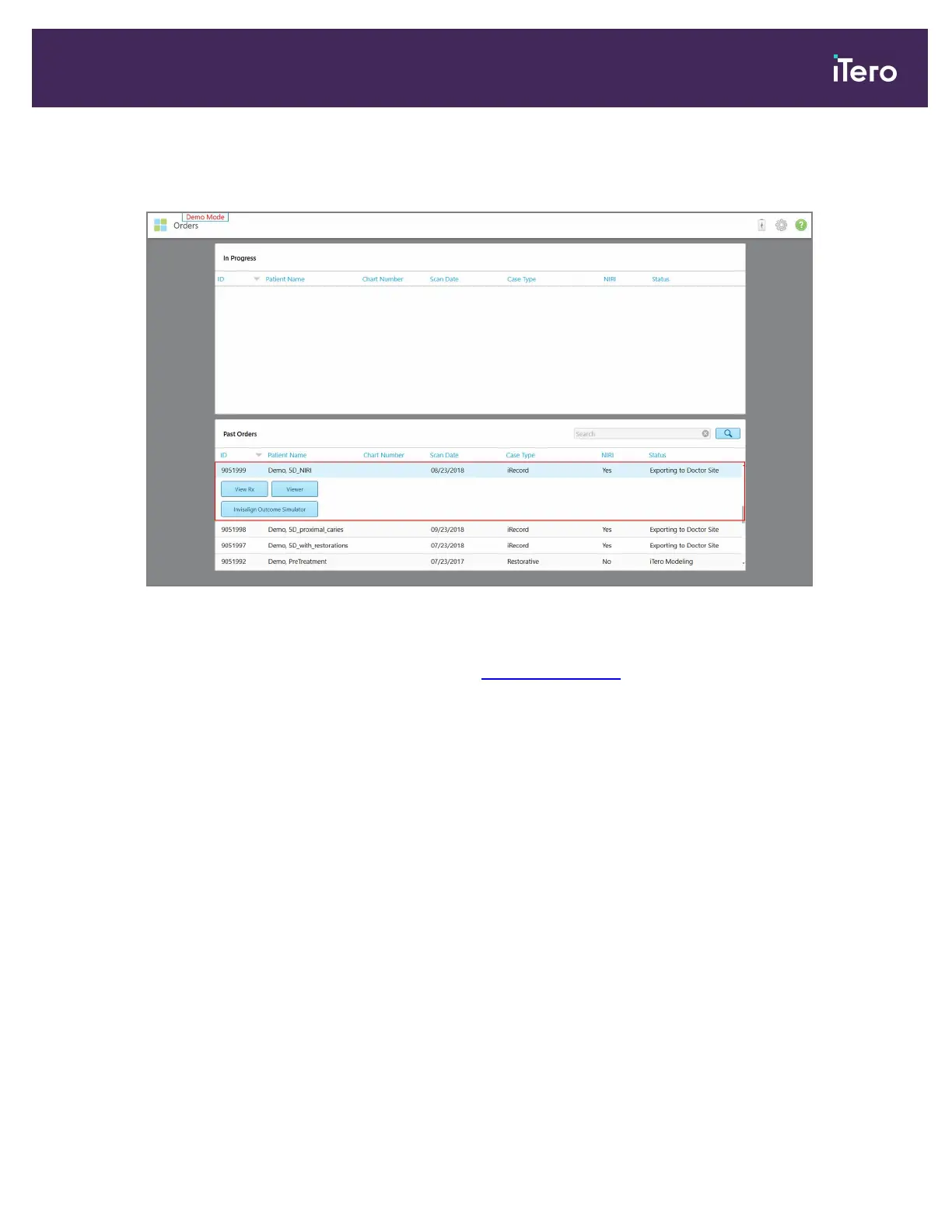
6. Tap the required demo case.
The selected case is expanded to show the following options:
Figure 35: Past Orders pane – options
Note: The NIRI column is not displayed for iTero Element 5D Plus Lite systems.
For more information on working with orders, see Working with orders .
iTero Element 5D and iTero Element 5D Plus imaging systems User manual
© 2022 Align Technology, Inc. All rights reserved. 43



 To Next Page