To edit the export settings:
1. Tap the Export Settings button.
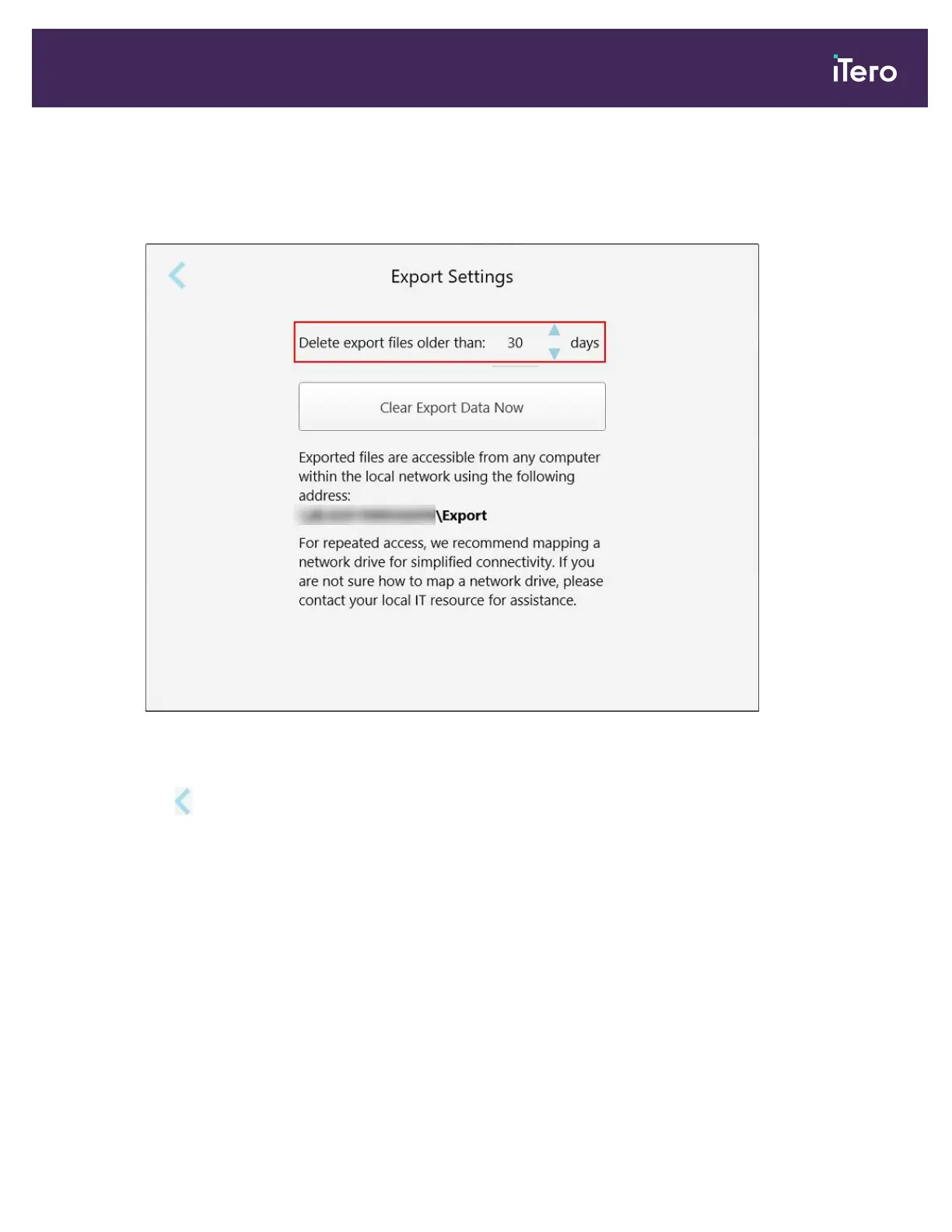
2. Select the number of days after which exported files should be deleted. By default, this is set at 30 days.
Figure 75: Export Settings window – deleting exported files
3. If required, tap Clear Export Data Now to delete the exported files immediately.
4.
Tap to return to the Settings window.
iTero Element 5D and iTero Element 5D Plus imaging systems User manual
© 2022 Align Technology, Inc. All rights reserved. 81



 To Next Page