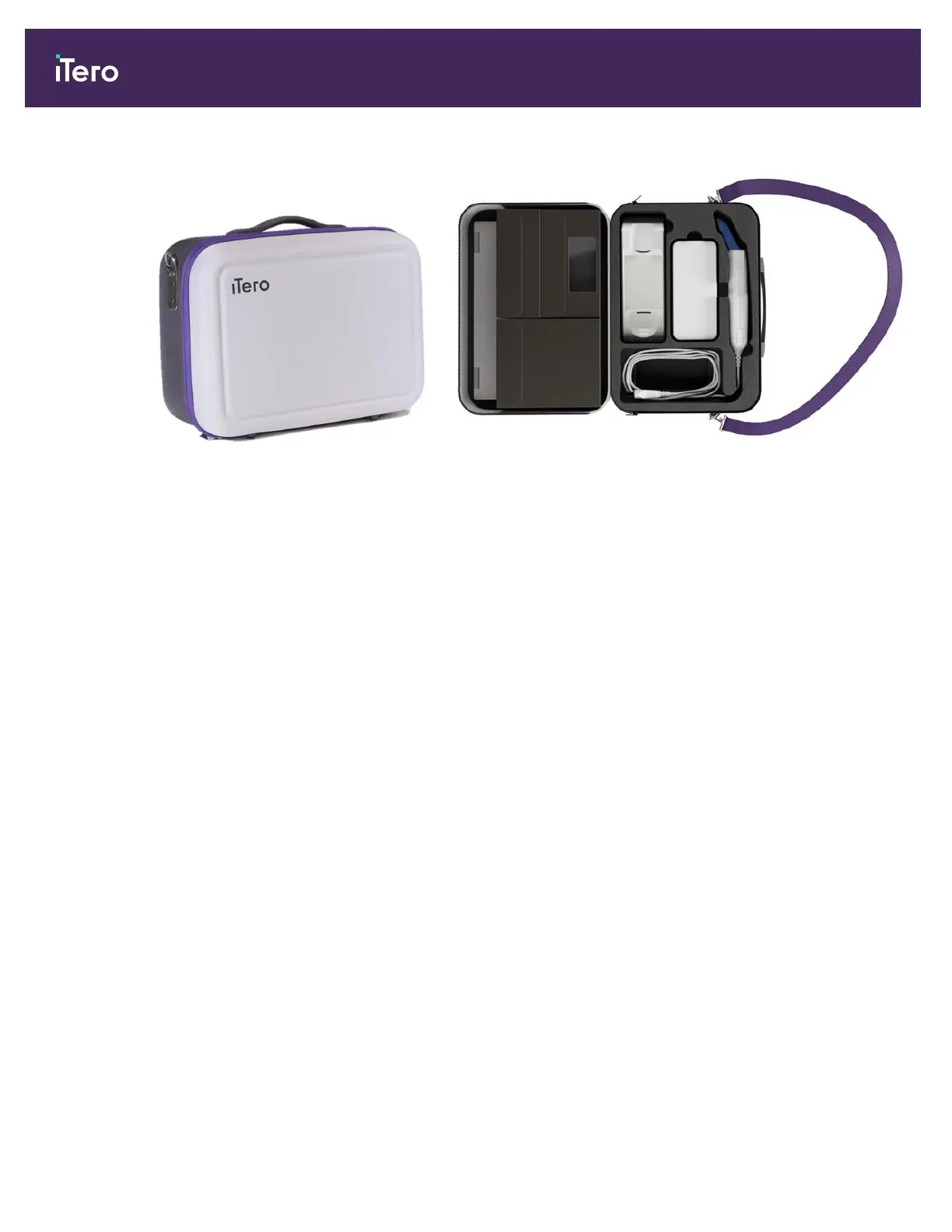
2. Place all items in the supplied carrying case to move the system between offices.
Figure 46: iTero Element 5D laptop configuration imaging system in the supplied carrying case
3. Make sure the case is kept dry to protect the system components from humidity.
4.4.3 Moving the iTero Element 5D Plus cart-configuration scanner
The scanner can be moved between rooms within the office and while you are seated, with a patient.
To move the scanner between rooms:
1. Ensure that the wand is firmly positioned in the cradle.
2. Unplug the system from the wall outlet and carefully wrap the power cable around the upper handle, to prevent
the cable from being caught between the wheels.
3. Using the upper handle, move the system to its new location and plug it into a wall outlet.
iTero Element 5D and iTero Element 5D Plus imaging systems User manual
54 © 2022 Align Technology, Inc. All rights reserved.



 To Next Page