The New Scan window is made up of the following areas:
l
Doctor: Displays the doctor’s name and license number.
l
Patient: Enables you to display the name of the patient for which the treatment is prescribed, by adding a new
patient or by searching for an existing patient. If required, once the patient’s data is displayed, you can edit it, or
clear it from the New Scan window. For more information, see Patient management.
l
Order: Enables you to define the details of the required treatment, for example, the case type.
l
Scan Options: Enables you to:
o
Select whether to enable or disable capturing NIRI data in the current scan. For more information, see
Disabling NIRI capture.
o
Confirm that a new sleeve has been attached. For more information, see Confirming a new wand sleeve
between patients.
Note: This section is not displayed for iTero Element 5D Plus Lite systems.
l
Notes: Enables you to make specific notes regarding the patient’s treatment.
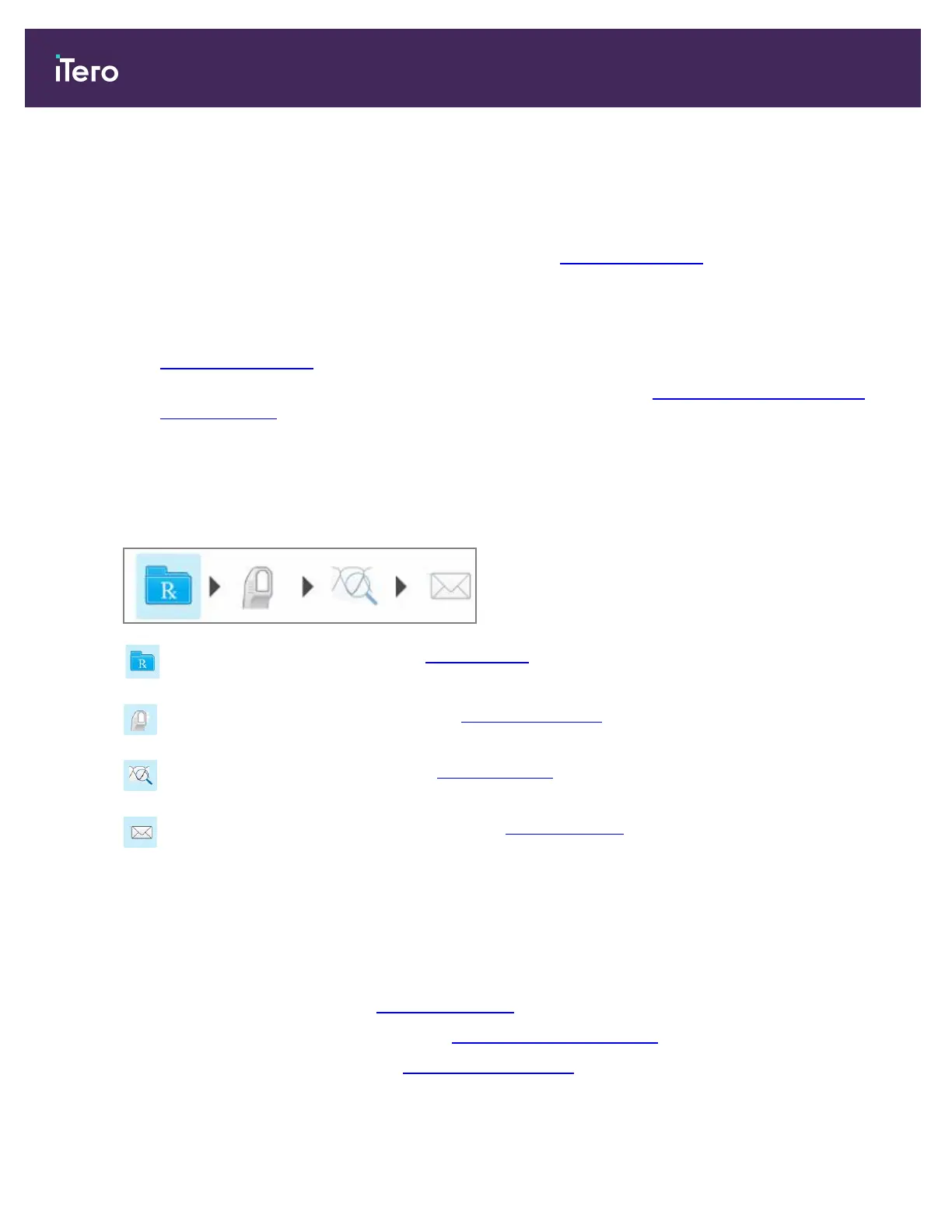
The scanning process requires the following steps, which are displayed on the toolbar:
Filling in the Rx, described in Filling in the Rx
Scanning the patient, described in Scanning the patient
Viewing the scan, described in Viewing the scan
Sending the scan to the lab, described in Sending the scan
Your current progress is highlighted on the toolbar.
5.3 Patient management
You control the patient’s data-management process from the Patient area in the New Scan window.
l
Add a new patient, as described in Adding new patients
l
Search for an existing patient, as described in Searching for existing patients
l
Edit a patient’s details, as described in Editing the patient details
iTero Element 5D and iTero Element 5D Plus imaging systems User manual
84 © 2022 Align Technology, Inc. All rights reserved.



 To Next Page