o
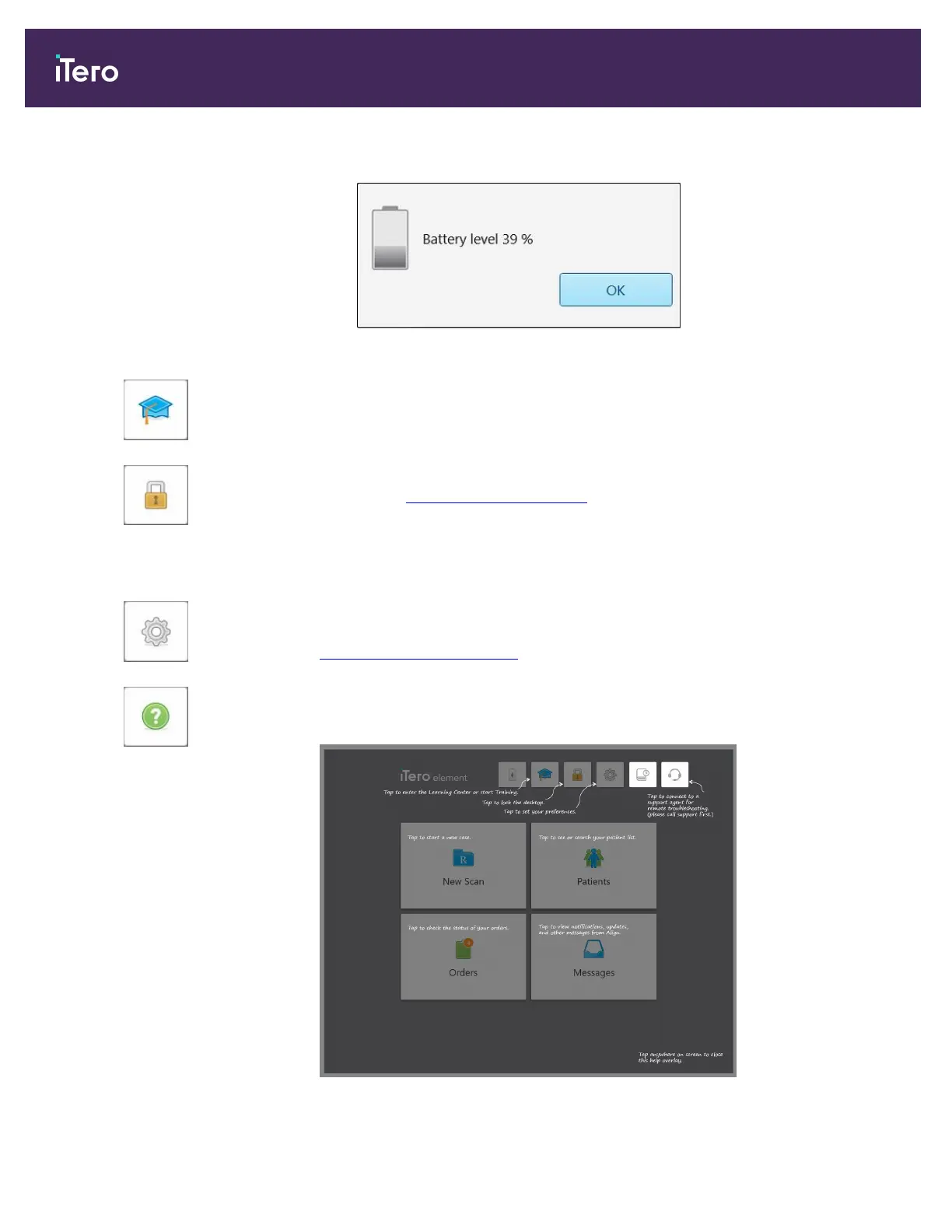
Tap to view the percentage of remaining charge:
Figure 51: Percentage of remaining battery charge
Learning Center: Tap to access training materials and educational videos for
the iTero scanner.
Lock: Tap to log out of your account whenever the scanner is not in use, as
described in Logging out of the scanner. This helps ensure that the dental
practice is HIPAA compliant, and that all medical information is secure.
Tip: You should lock the system while cleaning it, in order to avoid unintended
entries.
Settings: Tap to adjust the scanner preferences, for example, for wand
configuration, localization, user settings, and more. For more information, see
Defining the scanner settings.
Help: Tap to display a translucent Help overlay with hints to aid in the
navigation of features and tools.
Figure 52: Help overlay
iTero Element 5D and iTero Element 5D Plus imaging systems User manual
58 © 2022 Align Technology, Inc. All rights reserved.



 To Next Page