4.6.1.4 Defining the time zone
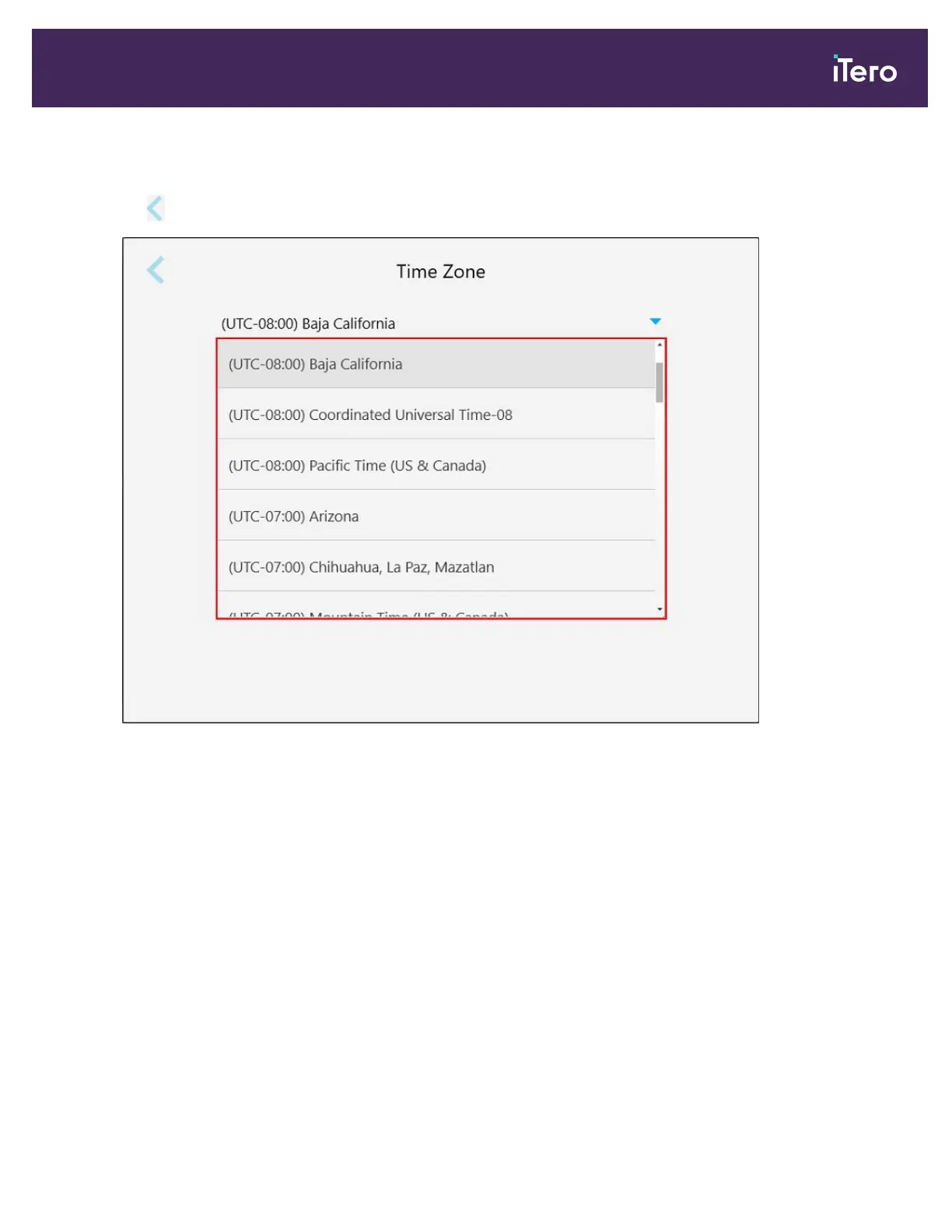
To define the time zone, tap the Time Zone button, select the time zone from the drop-down list, and then
tap to save the changes and return to the Settings window.
Figure 62: Time zone settings
Note: The time zone settings can be accessed only when you are logged in to the scanner.
iTero Element 5D and iTero Element 5D Plus imaging systems User manual
© 2022 Align Technology, Inc. All rights reserved. 67



 To Next Page