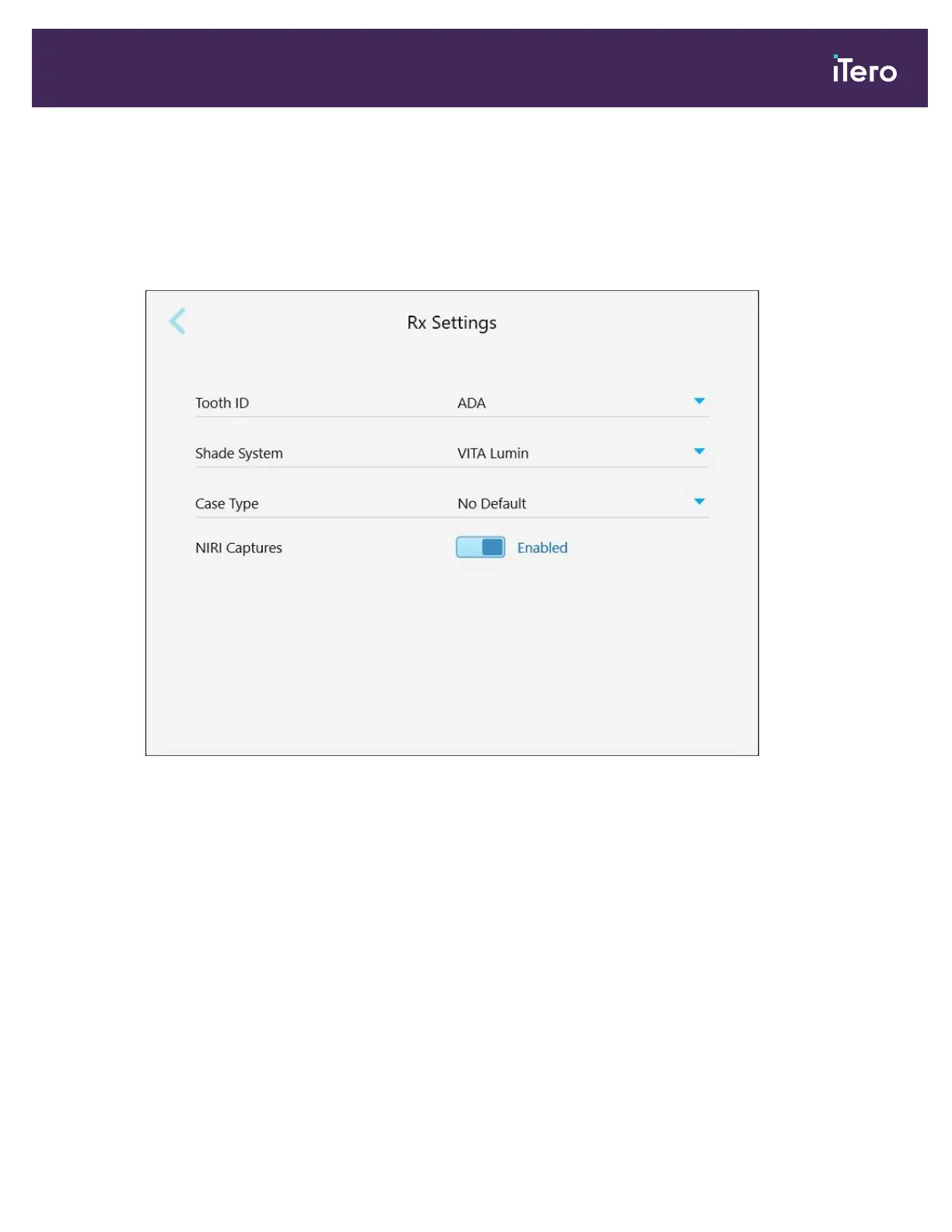
4.6.2.2 Defining the Rx settings
You can define the settings that are displayed by default when you open the Scan Details window to fill in a new
Rx.
To define the Rx settings:
1. Tap the Rx Settings button.
Figure 65: Rx Settings window
iTero Element 5D and iTero Element 5D Plus imaging systems User manual
© 2022 Align Technology, Inc. All rights reserved. 71



 To Next Page