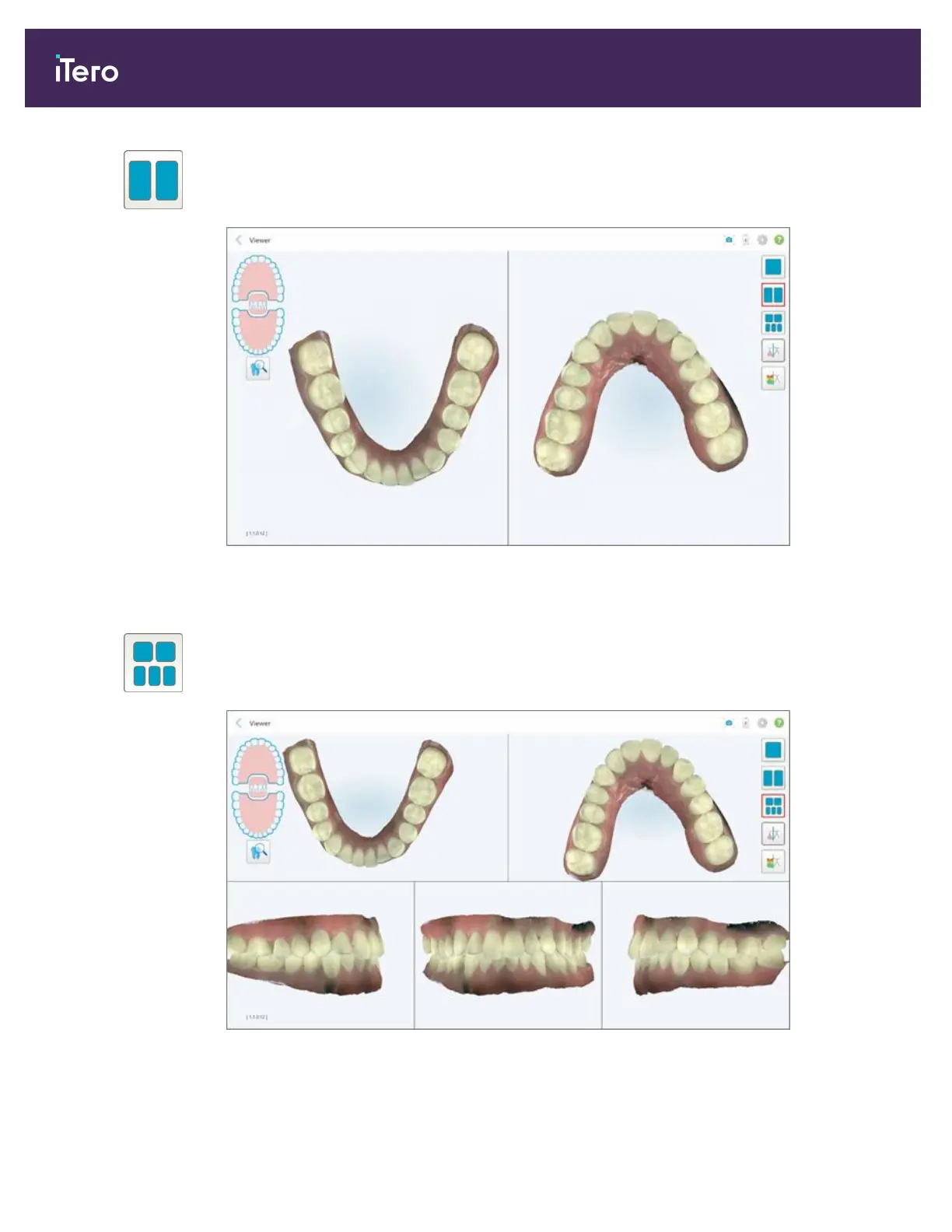
Display the model in a 2-window view, with the upper and lower jaws in separate
windows (Occlusal view). Each model can be controlled separately, for better
evaluation.
Figure 121: Model in a 2-window view
Relevant for Orthodontic case types only.
Display the model in a 5-window view, with the upper and lower jaws separately,
and both jaws from the left, center, and right (Gallery view). Each model can be
controlled separately, for better evaluation.
Figure 122: Model in a 5-window view
Relevant for Orthodontic case types only.
iTero Element 5D and iTero Element 5D Plus imaging systems User manual
120 © 2022 Align Technology, Inc. All rights reserved.



 To Next Page