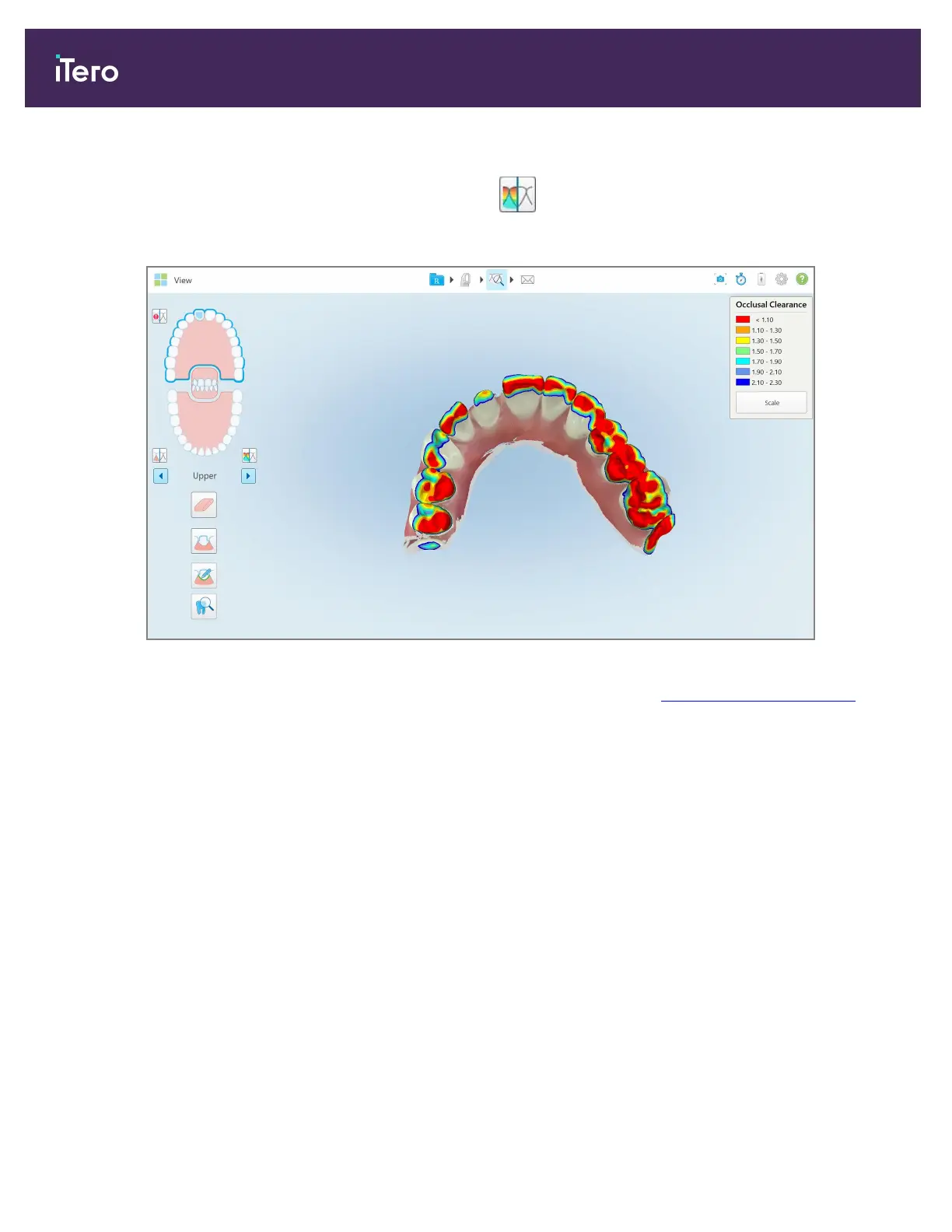
To display the occlusal clearance while in View mode:
1.
In the View window, tap the Occlusal Clearance tool .
The occlusal clearance between the opposing teeth is displayed.
Figure 162: Occlusal clearance between the opposing teeth
2. If necessary, reduce the prepped tooth and rescan the area, as described in Working with the Eraser tool ,
above.
3. If required, you can change the occlusal values displayed on the opposing teeth.
iTero Element 5D and iTero Element 5D Plus imaging systems User manual
154 © 2022 Align Technology, Inc. All rights reserved.



 To Next Page