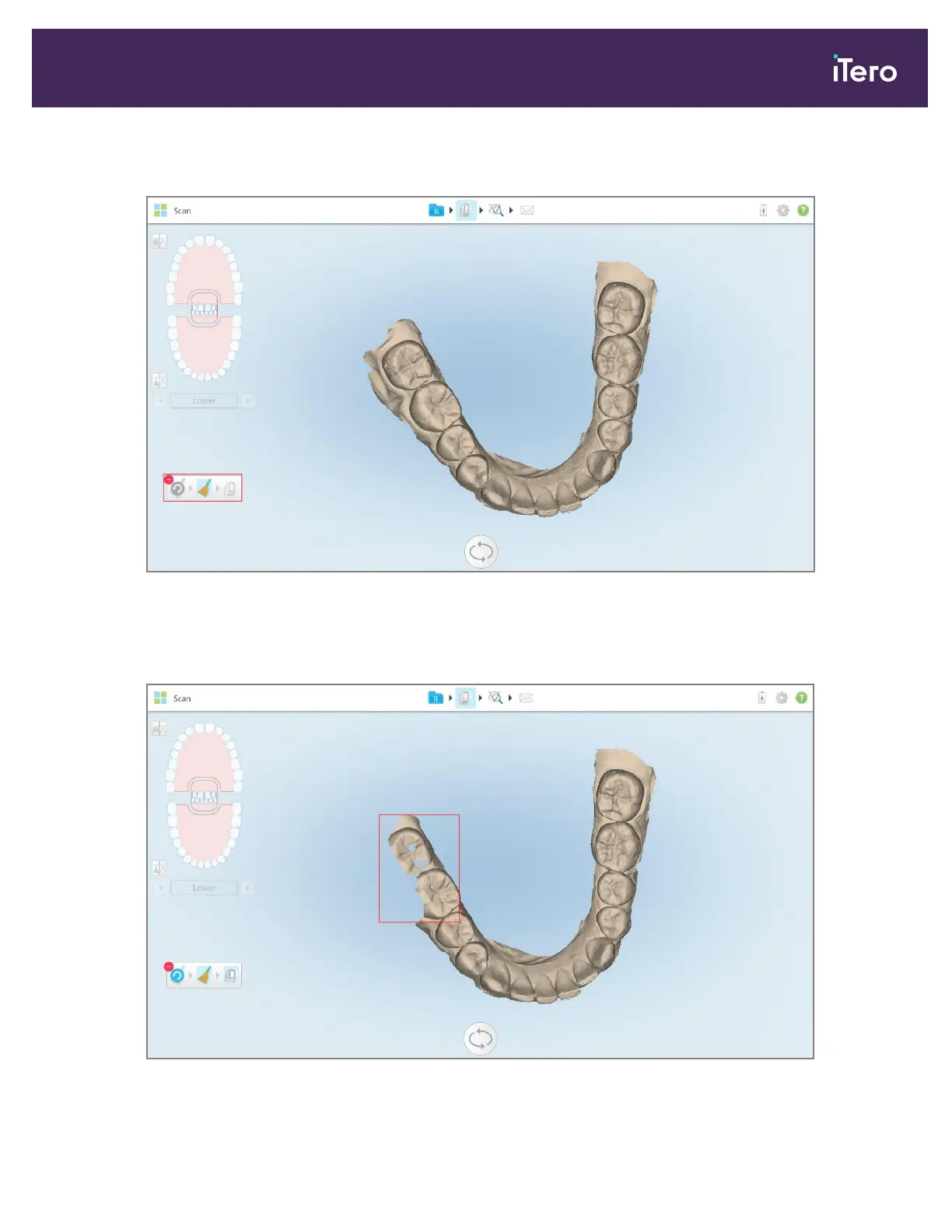
The Delete Selection tool expands, and the model is displayed in monochrome.
Figure 151: Expanded Delete Selection tool
3. Touch the area of the anatomy you want to delete.
The selection is removed.
Figure 152: Selected area of the anatomy is deleted
iTero Element 5D and iTero Element 5D Plus imaging systems User manual
© 2022 Align Technology, Inc. All rights reserved. 147



 To Next Page