4.
If required, tap to undo the changes.
5.
Tap to rescan the deleted anatomy.
10.5.3 Filling in missing anatomy
Occasionally there are areas with missing anatomy that are not filled even after trying to scan the area numerous
times. These areas may be caused by the interference of anatomy (lips, cheeks, and tongue) or moisture in the
scanning segment.
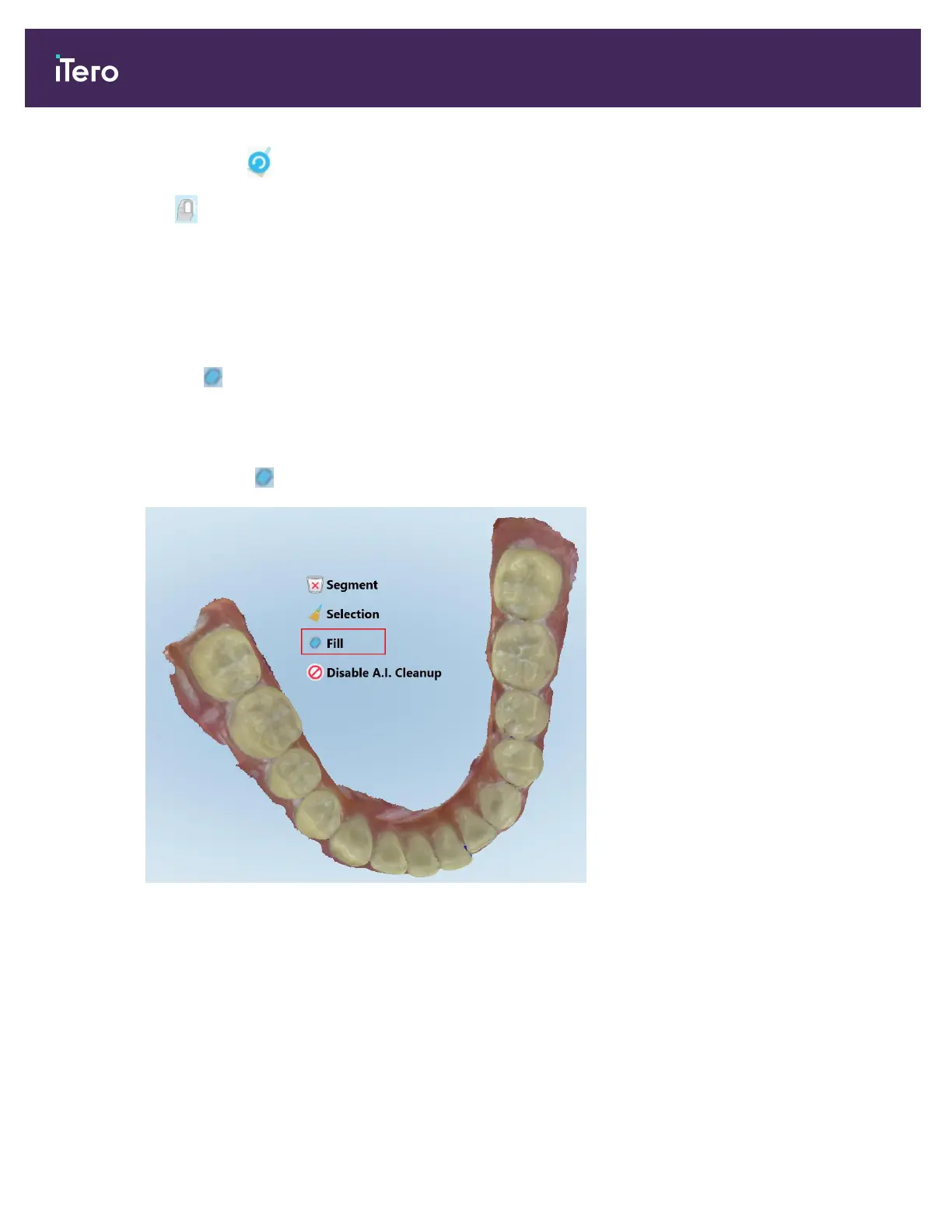
The Fill tool highlights these areas and then scans only the highlighted areas, in order to prevent over scanning.
To use the Fill tool:
1. Press the screen to display the editing tools.
2.
Tap the Fill tool .
Figure 153: Fill tool
iTero Element 5D and iTero Element 5D Plus imaging systems User manual
148 © 2022 Align Technology, Inc. All rights reserved.



 To Next Page