l
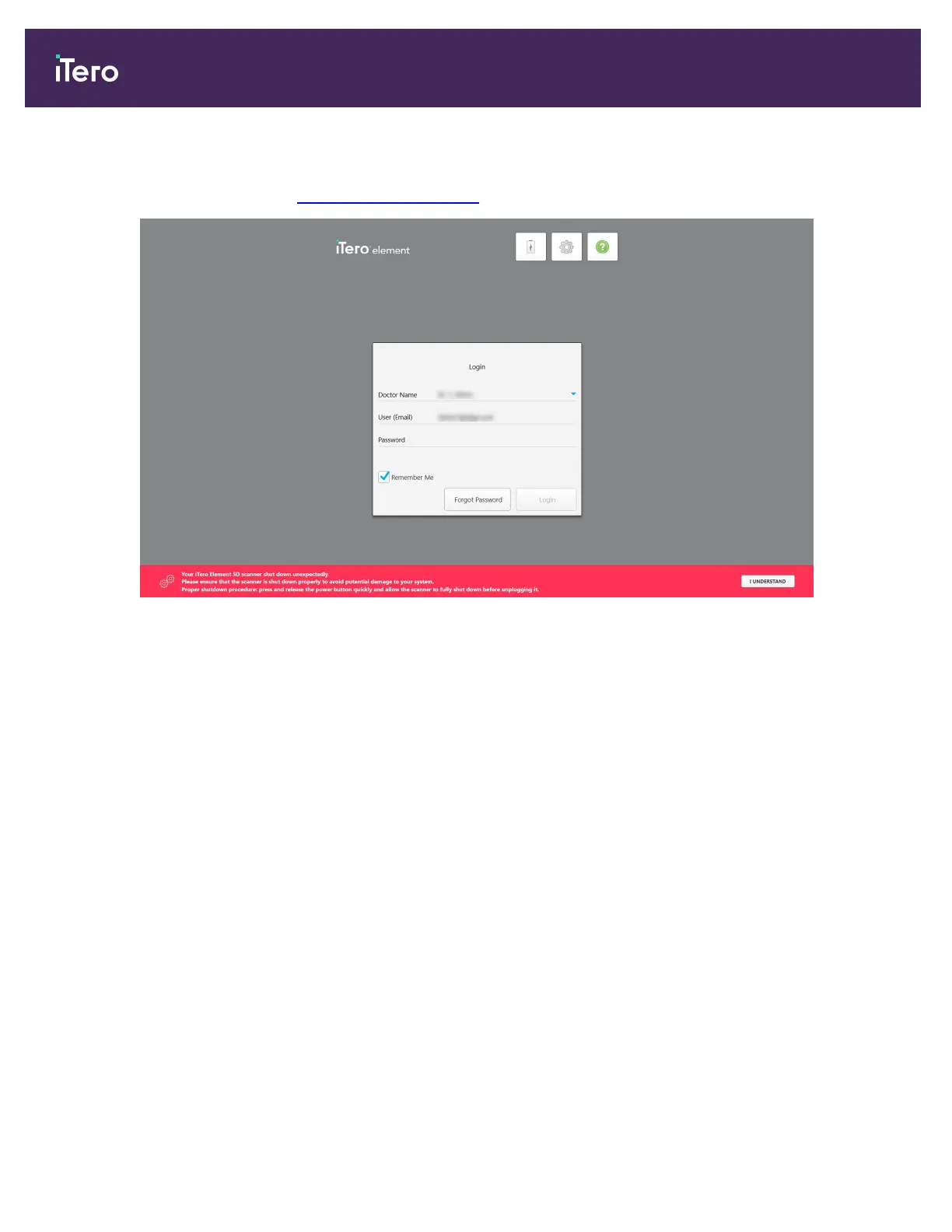
If you did not shut down the scanner correctly previously, a message will be displayed notifying you of this and
will remain until you acknowledge the message by tapping I UNDERSTAND. For more information on shutting
down the scanner, see Shutting down the scanner.
Figure 38: Unexpected shutdown notification
To log in to the scanner:
1. Select your username from the Doctor Name drop-down list.
2. Enter the email address you used when registering with myaligntech.com. Your email address is displayed
automatically if you selected the Remember Me check box in a previous login session.
3. Enter your password.
iTero Element 5D and iTero Element 5D Plus imaging systems User manual
46 © 2022 Align Technology, Inc. All rights reserved.



 To Next Page