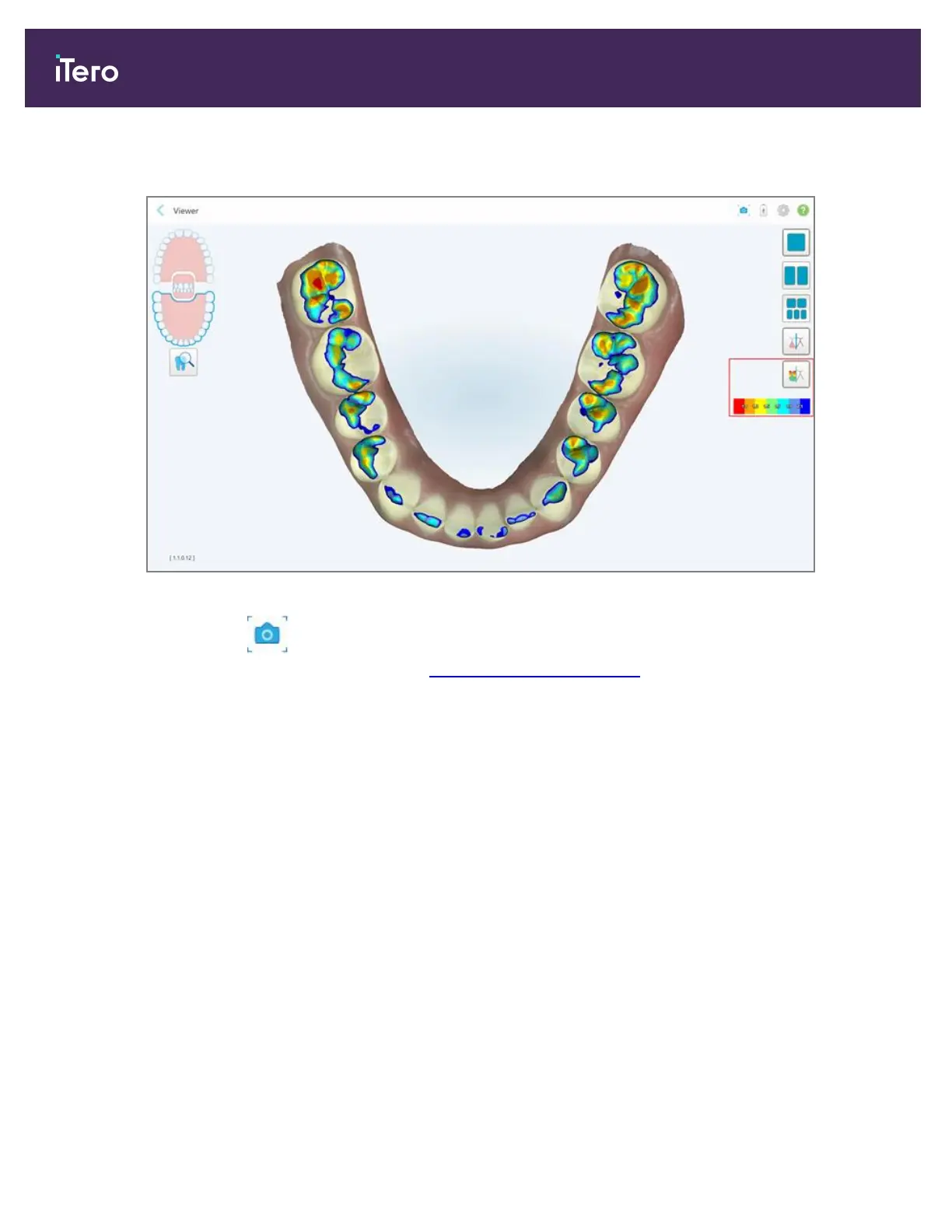
The clearance between the opposing teeth is displayed, as well as a legend displaying the scale.
Figure 164: Occlusal Clearance tool and legend displayed in the Viewer
3.
If required, tap to take a screenshot of the occlusal clearance. For more information on capturing
screenshots and adding annotations, see Working with the Snapshot tool.
iTero Element 5D and iTero Element 5D Plus imaging systems User manual
156 © 2022 Align Technology, Inc. All rights reserved.



 To Next Page