6 Working with patients
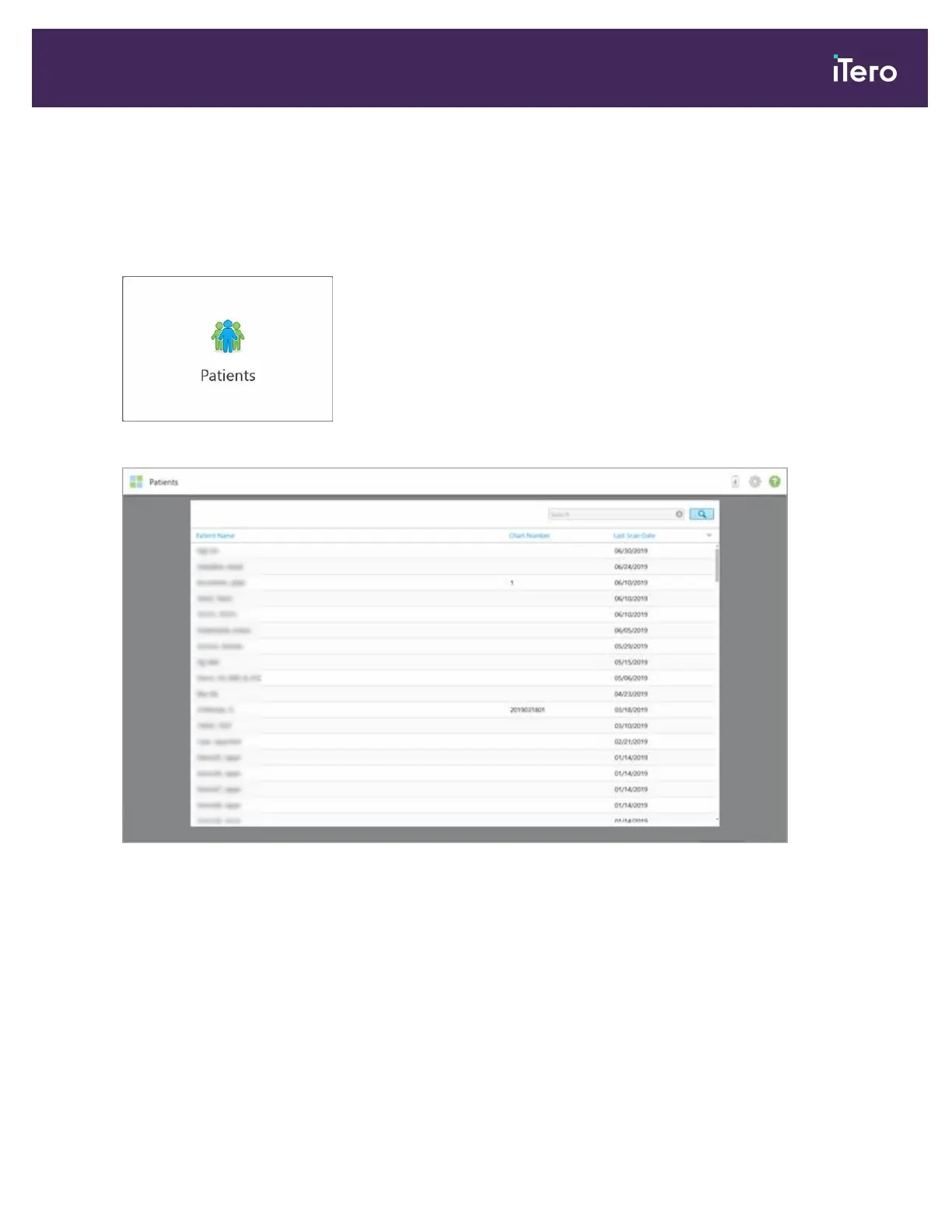
On the home screen, tap the Patients button to display the Patients page.
The Patients page displays a list of all your patients, their chart number, and the date of their last scan, if relevant.
Figure 126: Patients page
Once you have selected a patient, you can view the patient’s profile page with the patient’s details.
6.1 Searching for patients
If required, you can search for patients in the iTero database using their names or chart numbers.
iTero Element 5D and iTero Element 5D Plus imaging systems User manual
© 2022 Align Technology, Inc. All rights reserved. 123



 To Next Page