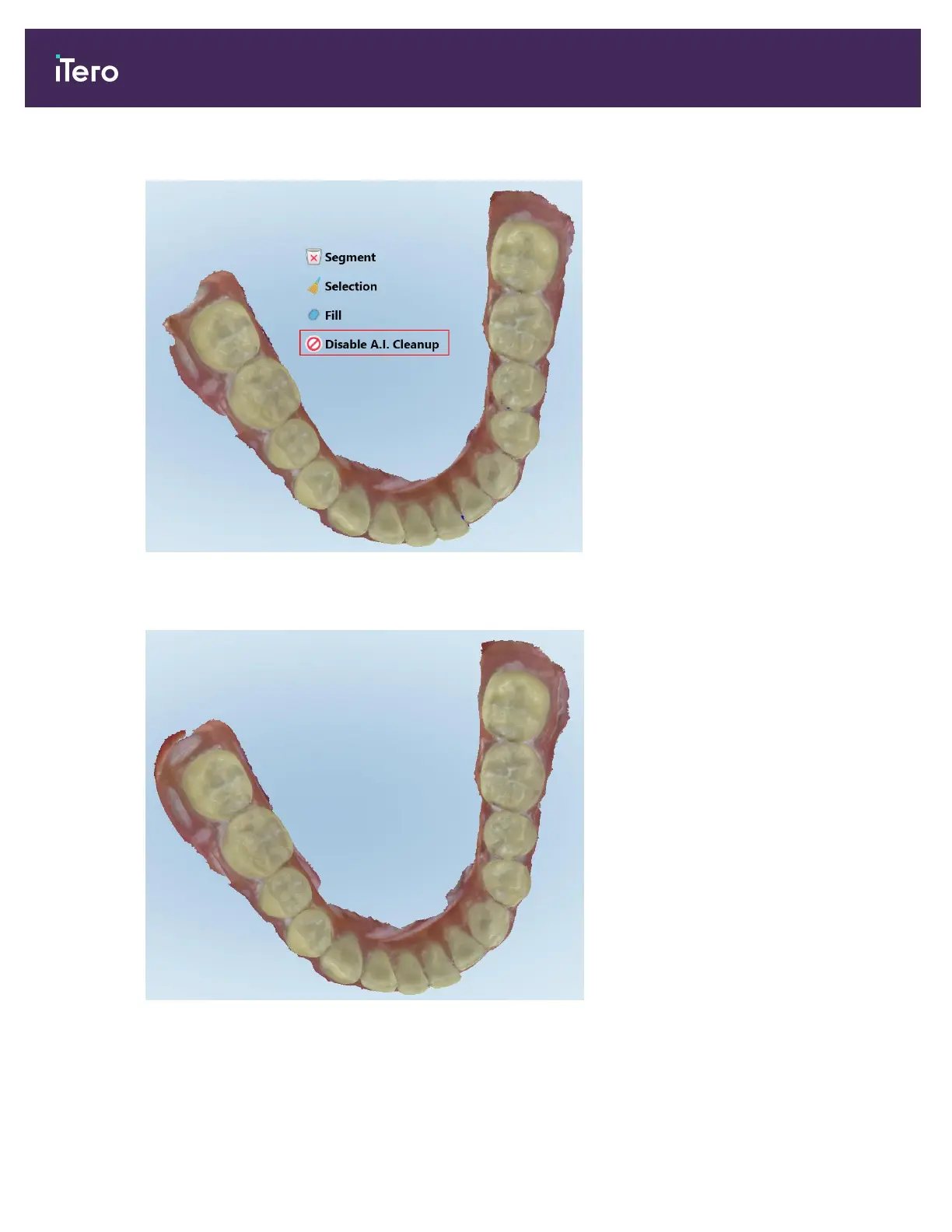
2. Tap the Disable A.I. Cleanup tool.
Figure 155: Disable A.I. Cleanup tool
The scan is displayed with the excess material showing.
Figure 156: Scan displayed with excess material showing
3. To return the excess tissue, press the screen to display the editing options and then tap Enable A.I. Cleanup.
iTero Element 5D and iTero Element 5D Plus imaging systems User manual
150 © 2022 Align Technology, Inc. All rights reserved.



 To Next Page