7. Tap Next if the default time zone is correct or select the time zone from the drop-down list and then tap Apply.
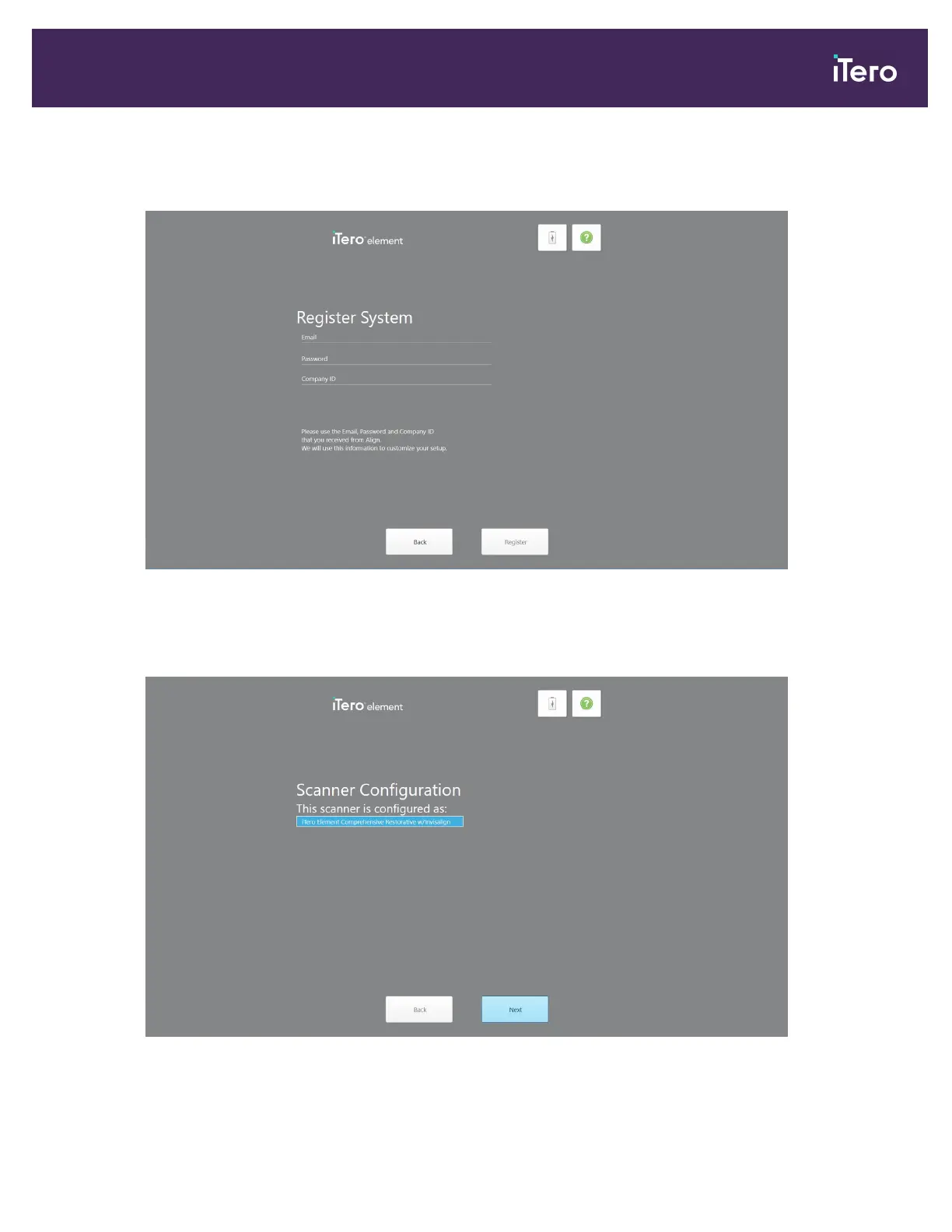
The Register System page is displayed.
Figure 25: Registering the system to customize the setup
8. Enter your email, password, and company ID in the fields provided. Tap Register and then tap Next.
The Scanner Configuration page is displayed, showing your iTero subscription package.
Figure 26: iTero subscription package
iTero Element 5D and iTero Element 5D Plus imaging systems User manual
© 2022 Align Technology, Inc. All rights reserved. 37



 To Next Page