4. Tap Demo Login.
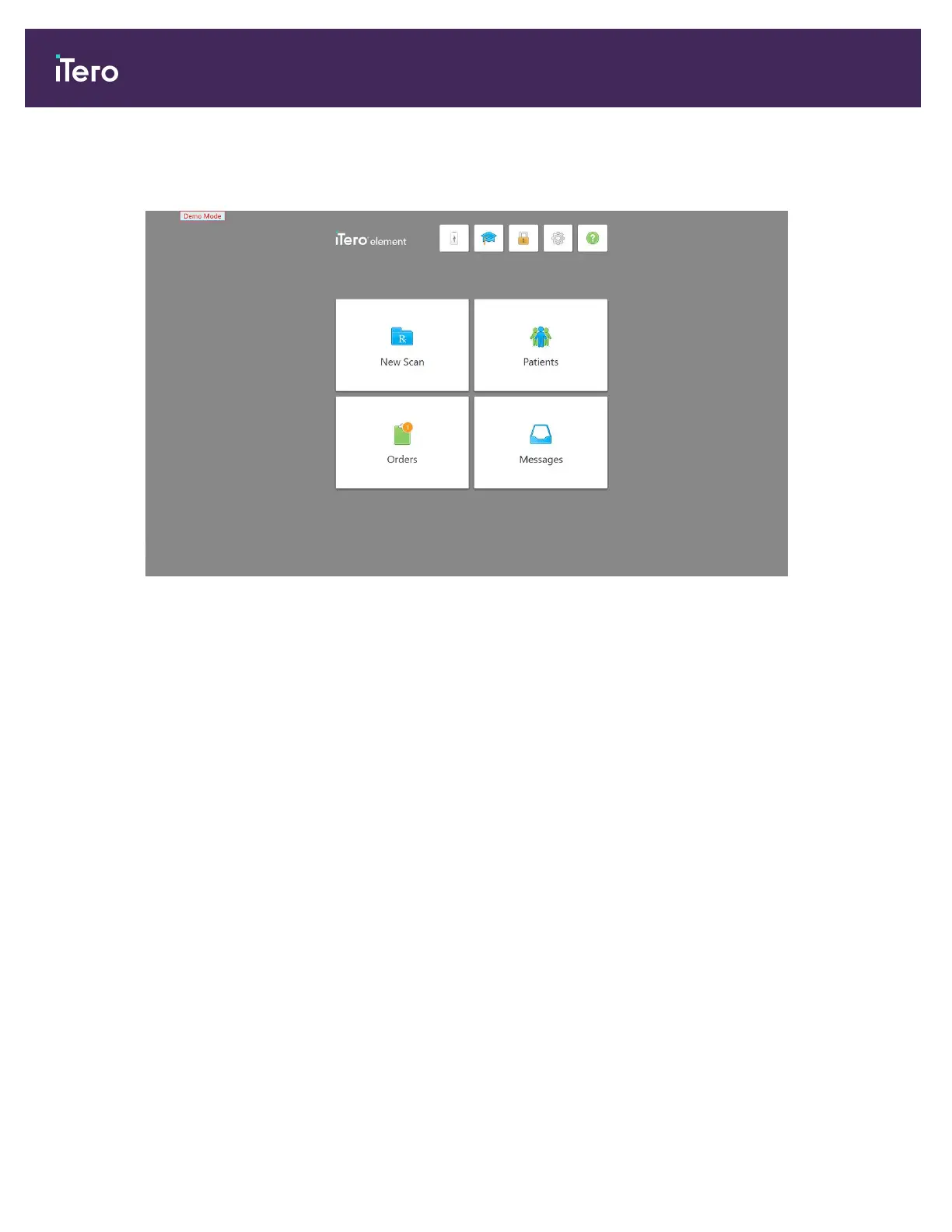
The Demo Mode home screen is displayed, with Demo Mode shown on the top left of the window.
Figure 34: Demo Mode home screen
5. To view the demo cases, tap Orders.
A list of demo cases is displayed in the Past Orders pane.
In addition to the examples of restorative and orthodontic scan types, the following demo cases with NIRI are
displayed in the list of Past Orders:
o
Demo, NIRI Caries in Young
o
Demo, NIRI Early and Established Carious Lesions
o
Demo, NIRI Interproximal Caries Molar
o
Demo, 5D NIRI
o
Demo, 5D proximal caries
o
Demo, 5D with restorations
iTero Element 5D and iTero Element 5D Plus imaging systems User manual
42 © 2022 Align Technology, Inc. All rights reserved.



 To Next Page