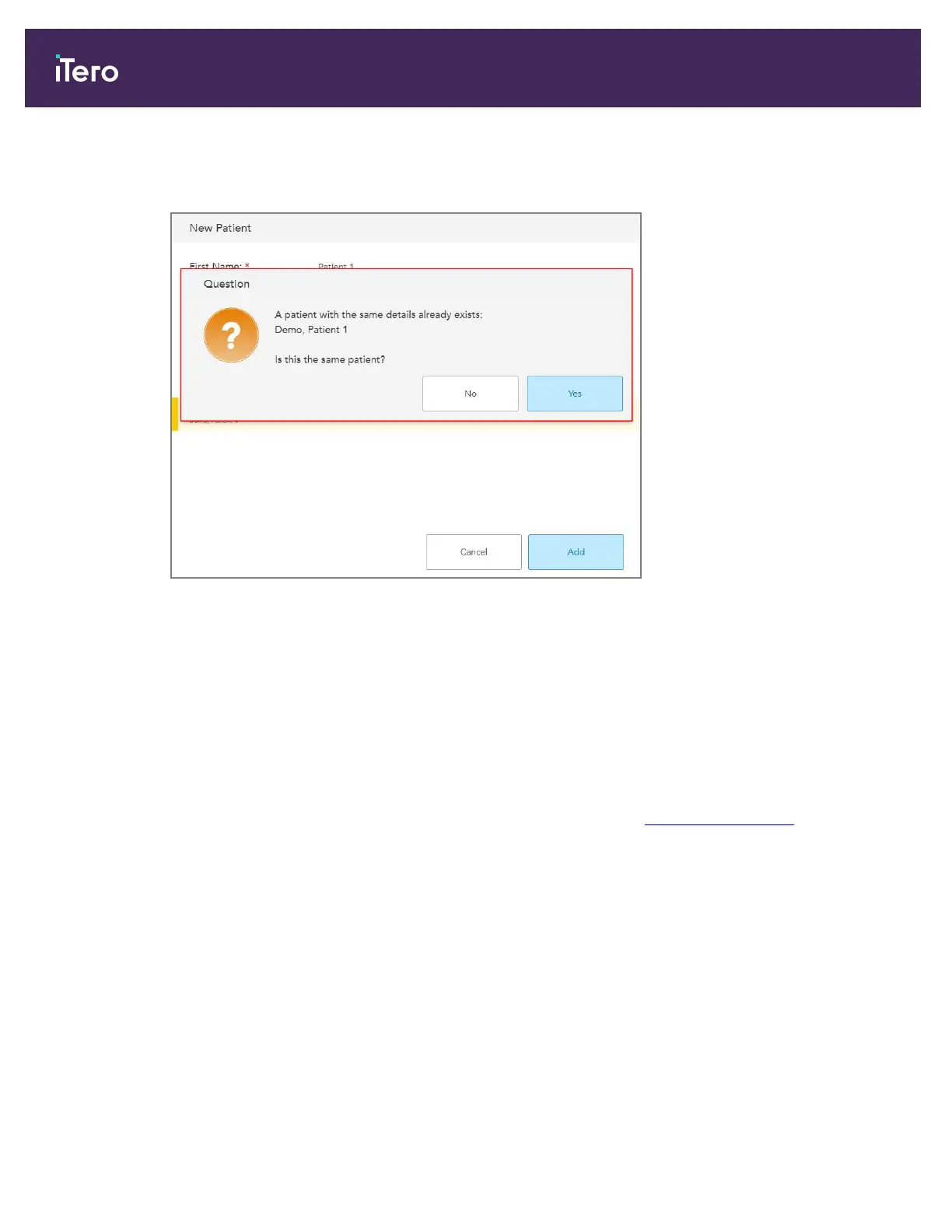
a. If this is the same person, tap Add.
You are prompted to confirm whether the new patient is the same patient as the existing patient.
Figure 83: Confirmation message regarding an existing patient
b. Tap Yes to combine the patient data.
The patient is displayed in the New Scan window.
5.3.2 Searching for existing patients
When searching for an existing patient, you must enter at least 3 characters of the patient’s name in the search
field to see a list of patients who match the search criteria.
In addition, you can search for a patient from the Patients page, described in Searching for patients.
iTero Element 5D and iTero Element 5D Plus imaging systems User manual
88 © 2022 Align Technology, Inc. All rights reserved.



 To Next Page