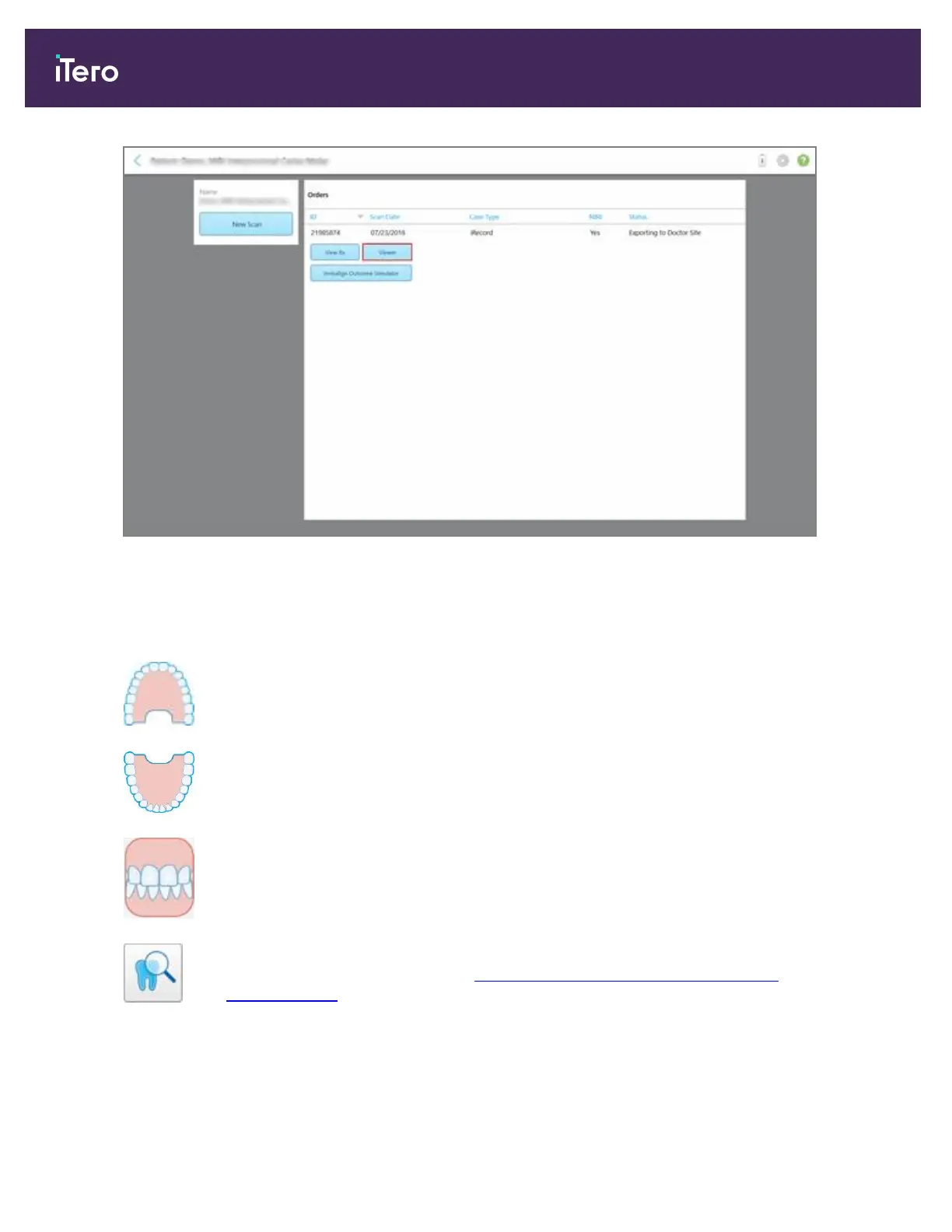
Figure 119: Viewer option in patient’s profile page
Note: The NIRI column in the Orders page and the patient's profile page is not displayed for iTero Element 5D
Plus Lite systems.
In the Viewer, you can tap the following to:
Show/hide the upper jaw.
Show/hide the lower jaw.
Show both jaws.
Open the Review tool to view an area of interest as both NIRI and color images,
one below the other, as described in Working with the Review tool (iTero Element
5D and 5D Plus)
Note: The Review tool is displayed only for cases that were scanned with
NIRIenabled.
iTero Element 5D and iTero Element 5D Plus imaging systems User manual
118 © 2022 Align Technology, Inc. All rights reserved.



 To Next Page