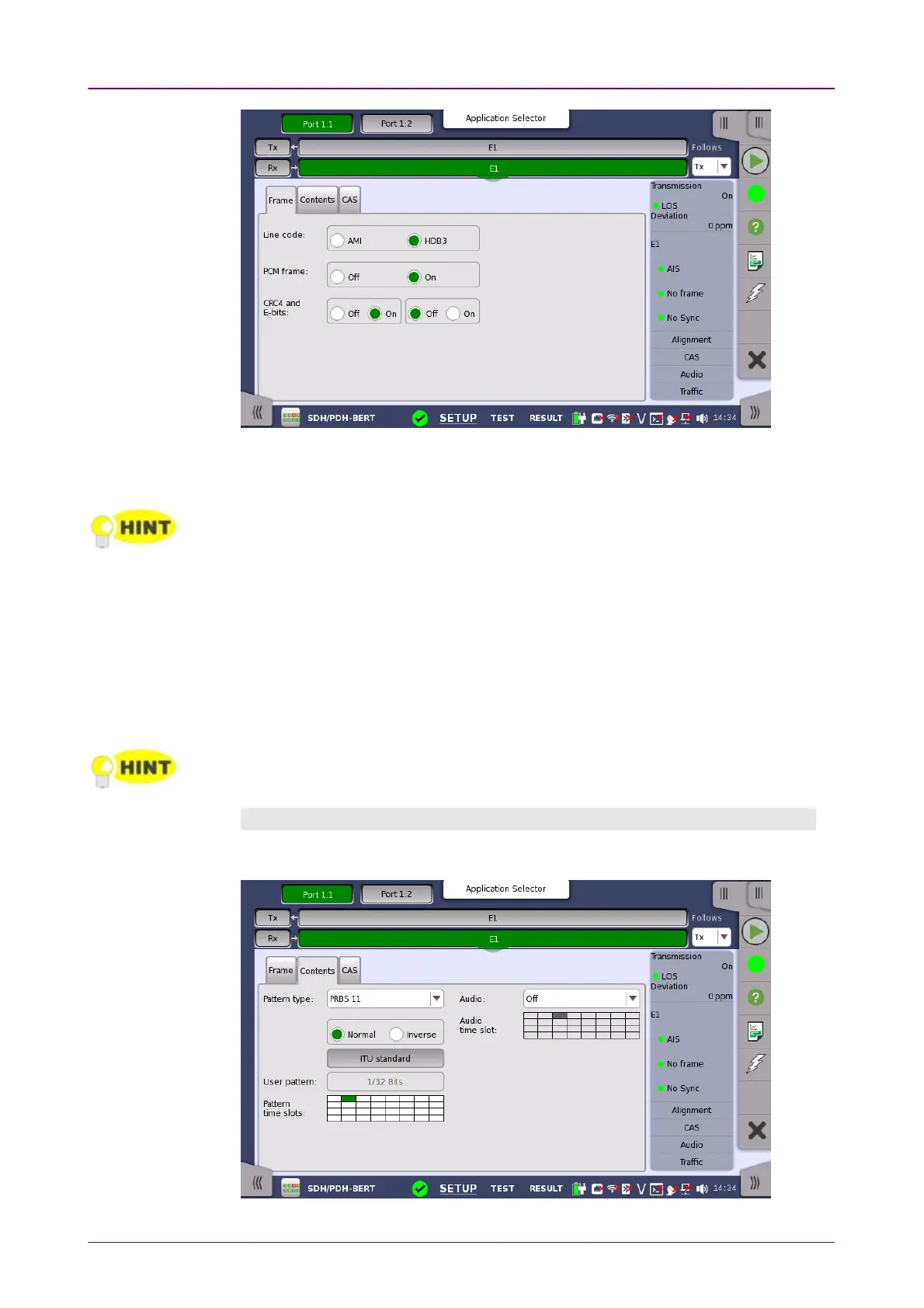
Line codeLine code
Use the Line codeLine code radio buttons to select transmission line code HDB3HDB3 or AMIAMI.
For normal 2 Mbps systems choose HDB3. AMI is for special applications only.
PCM framePCM frame
Use the PCM framePCM frame radio buttons to enable (OnOn) or disable (OffOff) the status of
the PCM frame.
CRC4 and E-bitsCRC4 and E-bits
Use the CRC4 and E-bitsCRC4 and E-bits radio buttons to enable (OnOn) or disable (OffOff) the
corresponding bit in the received signal. Use buttons in left frame for setting
CRC4. Use buttons in right frame for setting E-Bit.
If it is uncertain whether the CRC4 and E-bitsCRC4 and E-bits are supported in the monitor signal, it is
recommended to select the OffOff mode.
Content tab pageContent tab page
The ContentContent tab page contains the following parameters:














 To Next Page