OffOff: No channel content is selected.
ToneTone: Tone with specified frequency and level.
TransparentTransparent: Received content in the same channel time slot is used.
SpeechSpeech: Pre-programmed speech sequence. 'Drop and insert' on Tx screen will
be switched to On.
Channel Time SlotChannel Time Slot
Touch the Channel Time SlotChannel Time Slot graphics and use the launched dialog box to
select the timeslot to insert the Audio signal.
ToneTone
Touch the FrequencyFrequency field and use the launched dialog box to key in the
frequency, using the numeric soft keys.
Touch the LevelLevel field and use the launched dialog box to key in the level.
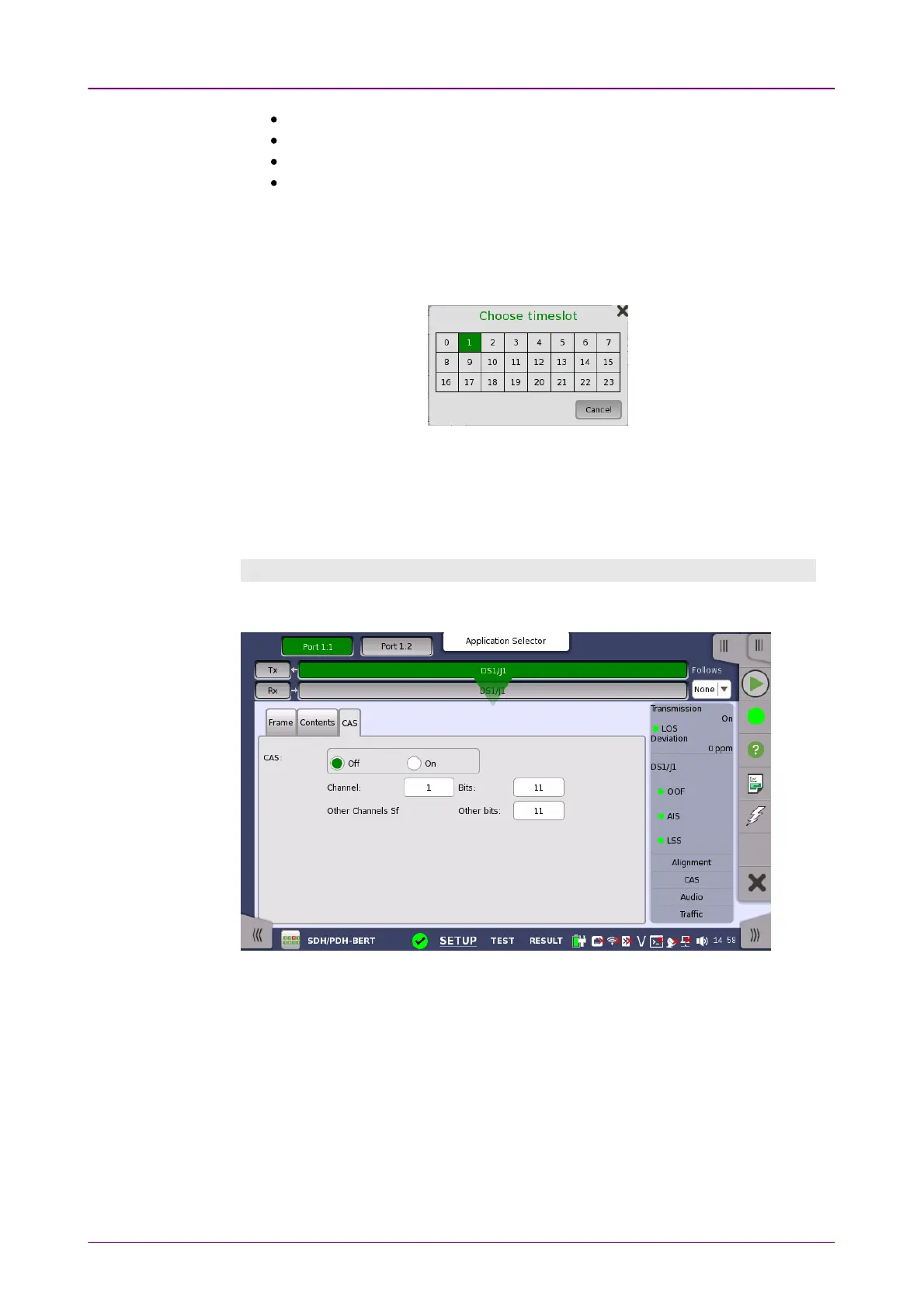
CAS tab pageCAS tab page
The CASCAS tab page contains the following parameters:
CASCAS
Use the CASCAS radio buttons to enable (OnOn) or disable (OffOff) the insertion of a
CAS (Channel Associated Signaling).
Touch the ChannelChannel, BitsBits and Other bitsOther bits fields to define the contents of a
selectable CAS channel as well as the remaining channels.














 To Next Page