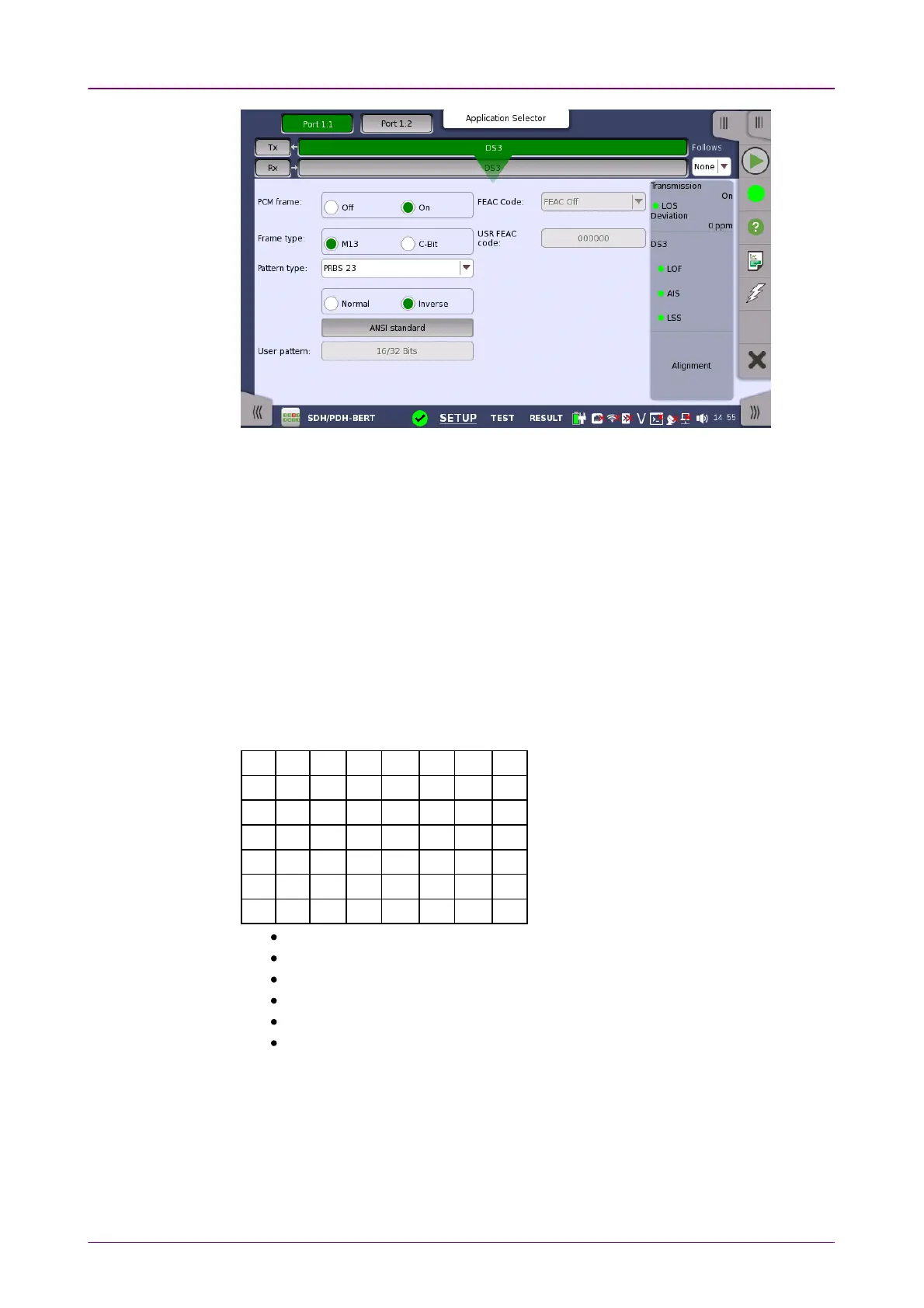
FollowsFollows
To make the Port 2 transmitter follow the Port 1 transmitter (i.e. copy its
settings) when using Port 1 and Port 2, touch the drop-down menu in the
navigation area and select the Tx1Tx1. The Port 2 settings continue to follow the
Port 1 transmitter change. The default setting is NoneNone. Note that the Port 1
transmitter cannot follow the Port 2 transmitter.
PCM framePCM frame
Use the PCM framePCM frame radio buttons to enable (OnOn) or disable (OffOff) insertion of
PCM frame in the transmitted signal.
Frame typeFrame type
Use the Frame typeFrame type radio buttons to specify either an M13M13 frame or a C-BitC-Bit
frame.
M13 Frame OverheadM13 Frame Overhead
X F1 C11 F0 C12 F0 C13 F1
X F1 C21 F0 C22 F0 C23 F1
P F1 C31 F0 C32 F0 C33 F1
P F1 C41 F0 C42 F0 C43 F1
M0 F1 C51 F0 C52 F0 C53 F1
M1 F1 C61 F0 C62 F0 C63 F1
M0 F1 C71 F0 C72 F0 C73 F1
X: Far-End Receive Failure
P: Even-Parity
M0: Multi-Framing Alignment 0
M1: Multi-Framing Alignment 1
F0,F1: Frame Alignment
Cxx: Bit stuffing indication














 To Next Page