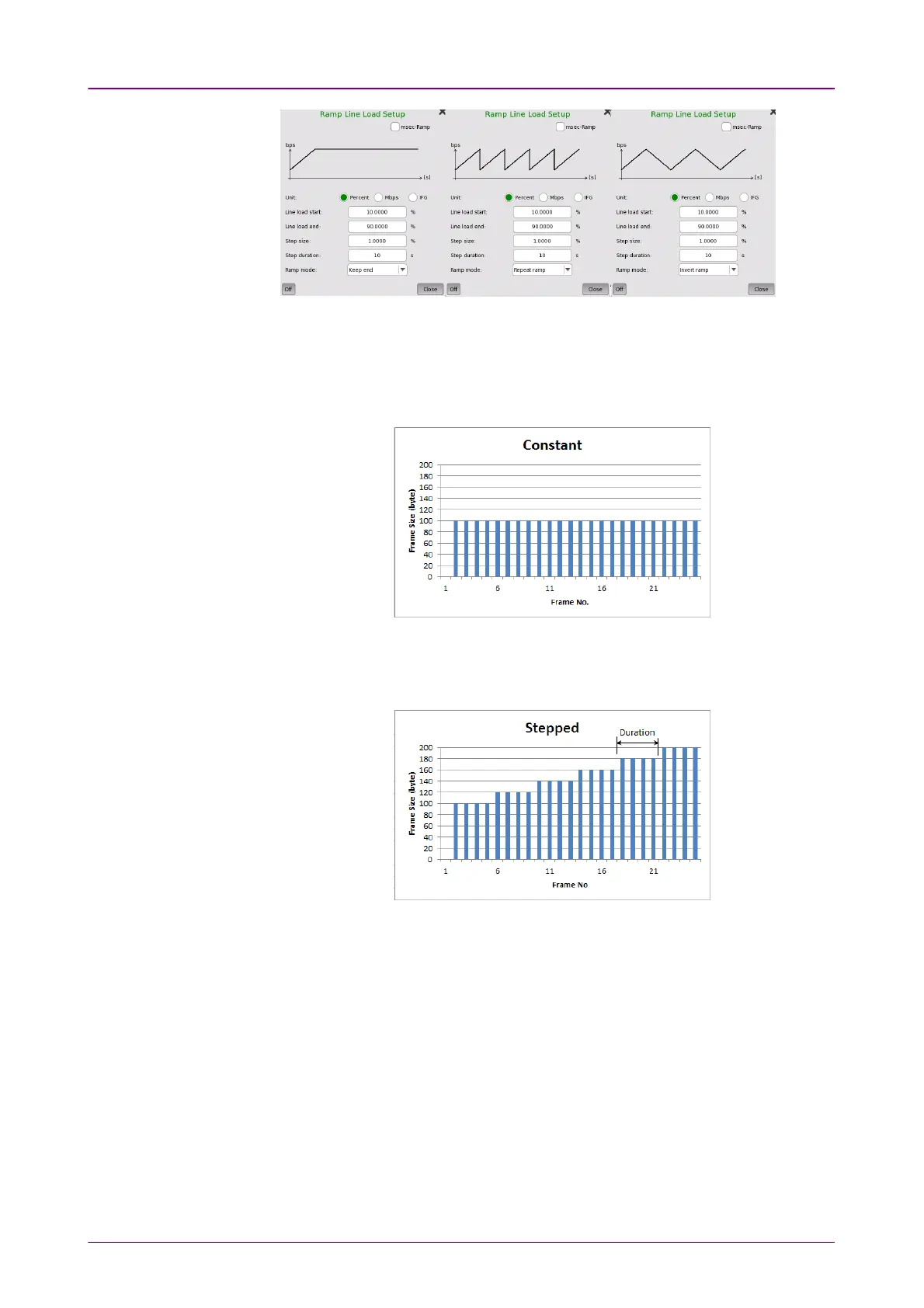
Frame sizeFrame size
When Profile is set to DataData, four setups are available:
ConstantConstant
Uses the fixed frame size specified by the StartStart value for the duration of the
test. The following figure shows an example of frame sizes when ConstantConstant is
selected.
SteppedStepped
Steps the frame size from StartStart to EndEnd in increments of StepStep. Each frame size
is transmitted for the period in seconds specified by DurationDuration. The following
figure shows an example of frame sizes when SteppedStepped is selected.
If the traffic duration is set to
Continuous
on the GeneratorGenerator screen, the step
sequence will be repeated indefinitely. If traffic duration is set to
a number of
seconds
, the step sequence will be terminated when the specified total period
has elapsed. Similarly for traffic duration set to
a number of frames
, the step
sequence will be terminated when the total number of transmitted frames
reaches the specified count.
RandomRandom
Sends a continuous stream of frames of random sizes, evenly distributed
between StartStart and EndEnd. The following figure shows an example of frame sizes
when RandomRandom is selected.














 To Next Page