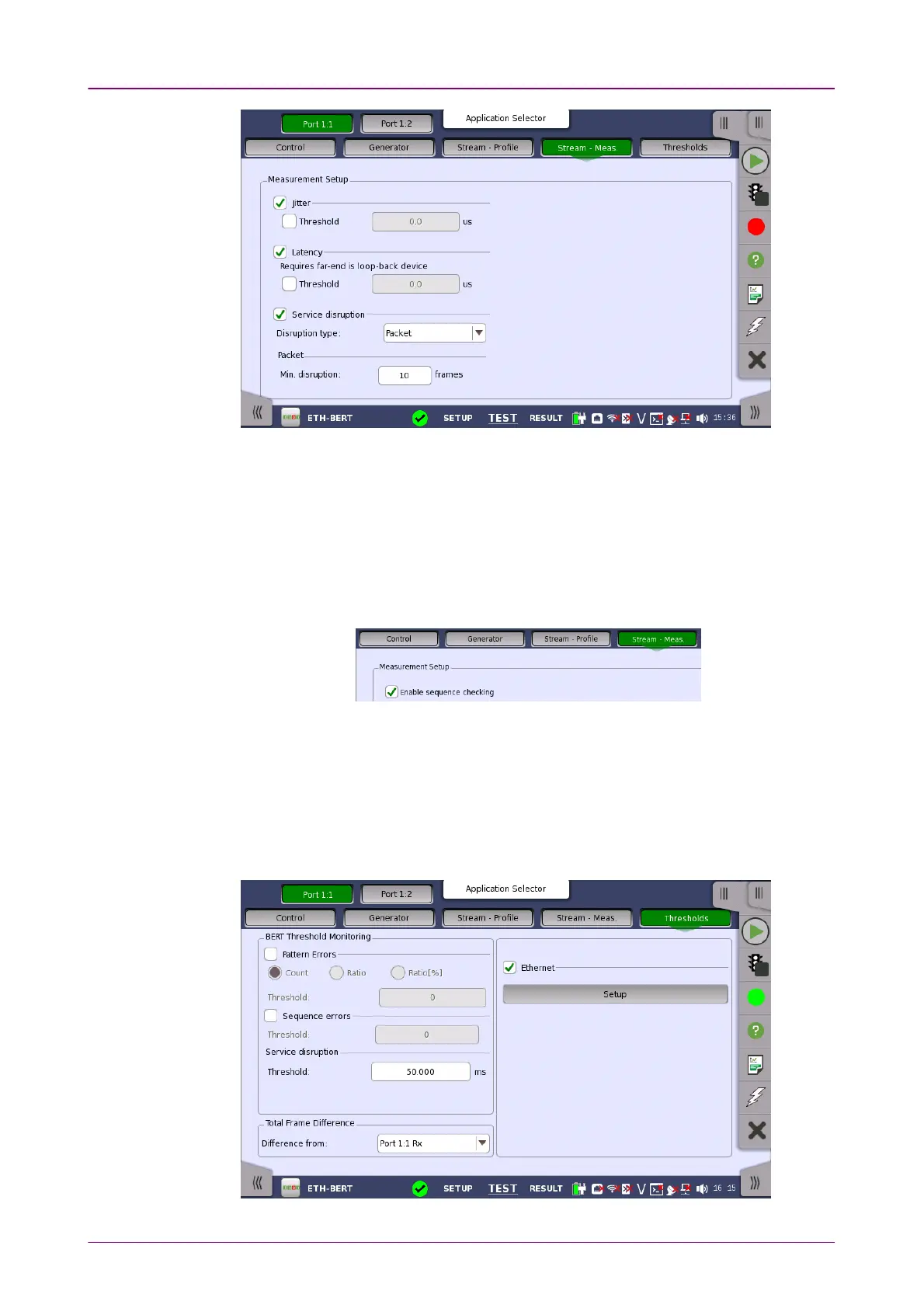
Select one or more of the measurements (JitterJitter, LatencyLatency and ServiceService
disruptiondisruption) and then specify a threshold value for each.
When Service disruptionService disruption is selected, select Disruption TypeDisruption Type from "Packet" or
"LOS".
Enable sequence checkingEnable sequence checking
Appears when "Unframed" is selected to the protocol in Stream of
Port Setup
screen.
Select the check box if enabling the frame sequence checking.
66..22..22..55 ThresholdsThresholds
Touching the ThresholdsThresholds button in the navigation area displays the following
screen.
The FollowFollow button appears when the Port 2 settings can follow Port 1.














 To Next Page