Actual Transfer Time
Ideal Transfer Time
Transfer Time Ratio
Window Size / Conn
Transmitted Bytes
Retransmitted Bytes
Retransmitted %
TCP Efficiency
Baseline RTT
Min RTT
Avg RTT
Max RTT
Buffer Delay
In bidirectional mode, the measured throughput in bidirectional mode is less
than the ideal in one way mode. This is due to the overhead caused by
interleaving returning ACK frames into the transfer. The ideal throughput of the
instrument in bidirectional mode is calculated by considering the estimated
interleaving returning ACK frame.
In case of connecting iPerf server, the "Interval" result of iPerf server is
displayed more 1 second than the "Actual Transfer Time" result of the
instrument. When you check the result of iPerf server, it is recommended to set
the duration of the test by sufficient long period.
66..1010..33..55 Multi-ServiceMulti-Service
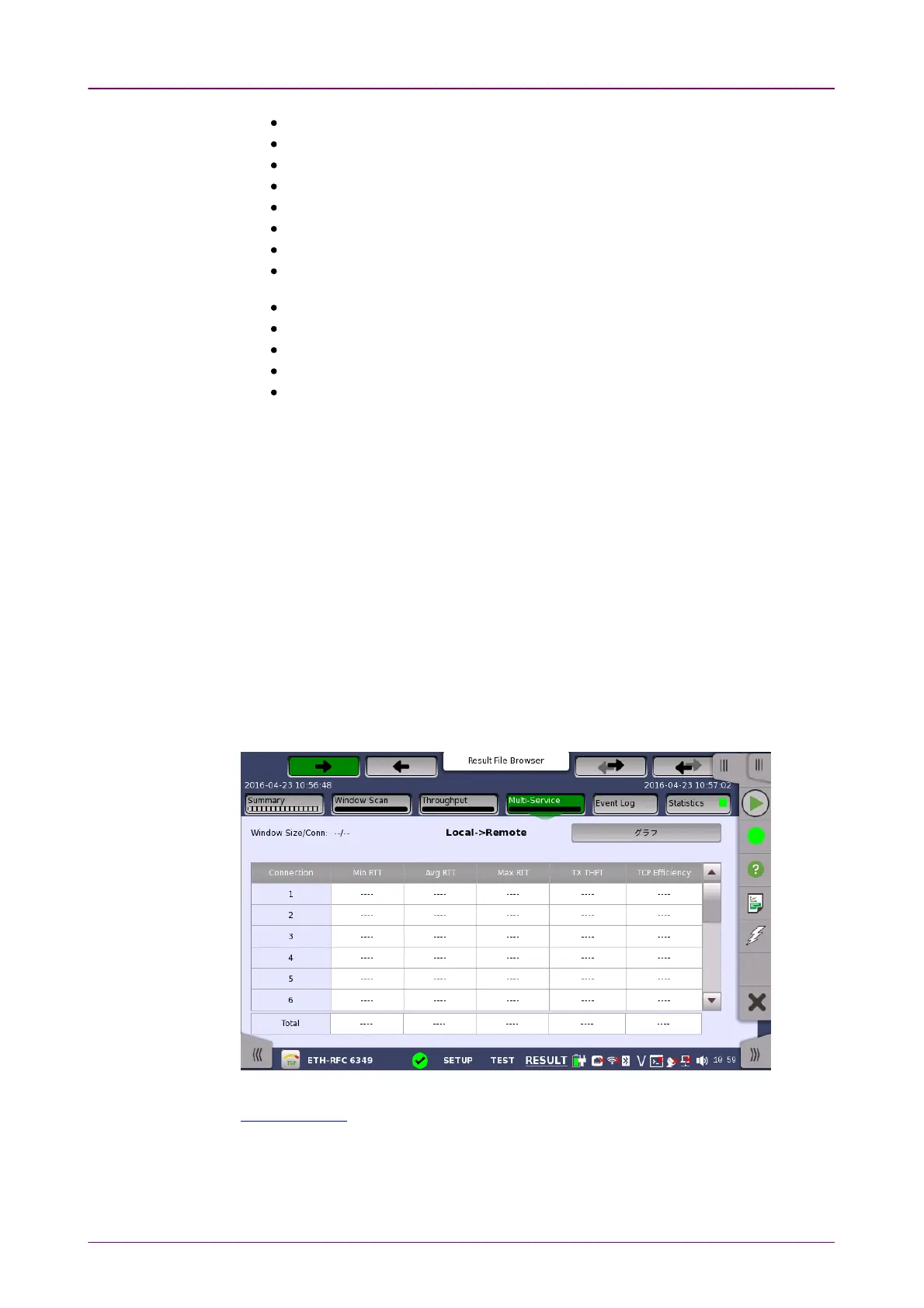
Touching the Multi-ServiceMulti-Service button in the navigation area will display the screen
shown below.
This screen presents results by each TCP connection of RTT, Throughput and
TCP Efficiency. Use the GraphGraph and TableTable buttons to switch between the tabular
form and a graphical presentation of the results.
Touching the button in navigation area switches the Test direction of results.
The results in Connection are:














 To Next Page