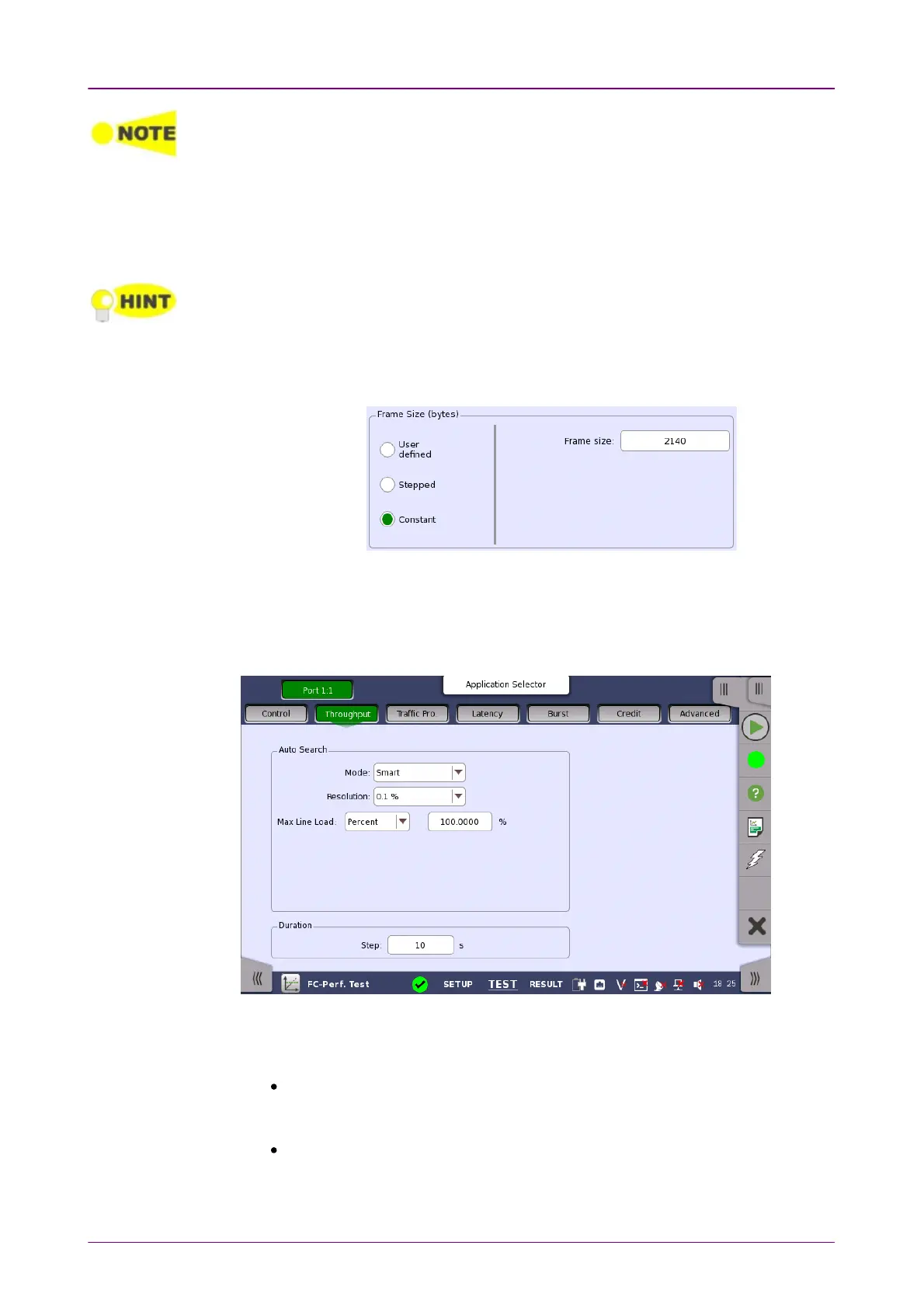
Auto SearchAuto Search
Set the parameters so that the number of frame sizes is ten or less. When the number of
frame sizes is 11 or more, the message "Maximum of 10 frame sizes is allowed." is
displayed.
Example:
Start frame size: 100, End frame size: 1500, Step frame size: 100
In this case, the number of frame sizes is 15 (100 to 1500). Measurements are
performed for the frame sizes from 100 to 1000, not for 1100 to 1500.
The Stepped mode is useful when testing various frame sizes that are distributed
consistently and equally. As a consequence, it produces more smooth and detailed
graphs when a low value is set at Step frame size. When the step frame size is lower, the
measurement time is longer.
Constant
Set a value at Frame sizeFrame size.
99..33..22..22 ThroughputThroughput
The following screen is displayed by touching ThroughputThroughput in the Navigation
area.
ModeMode
Select the search method.
SmartSmart: It is assumed that occurring the frame loss is a higher probability
around Max. And the skewed binary searching is performed. (The area where
the line loads is high is searched at first.)
BinaryBinary: The binary searching of the line load interval specified in the range
from Max to Min is performed.
ResolutionResolution














 To Next Page