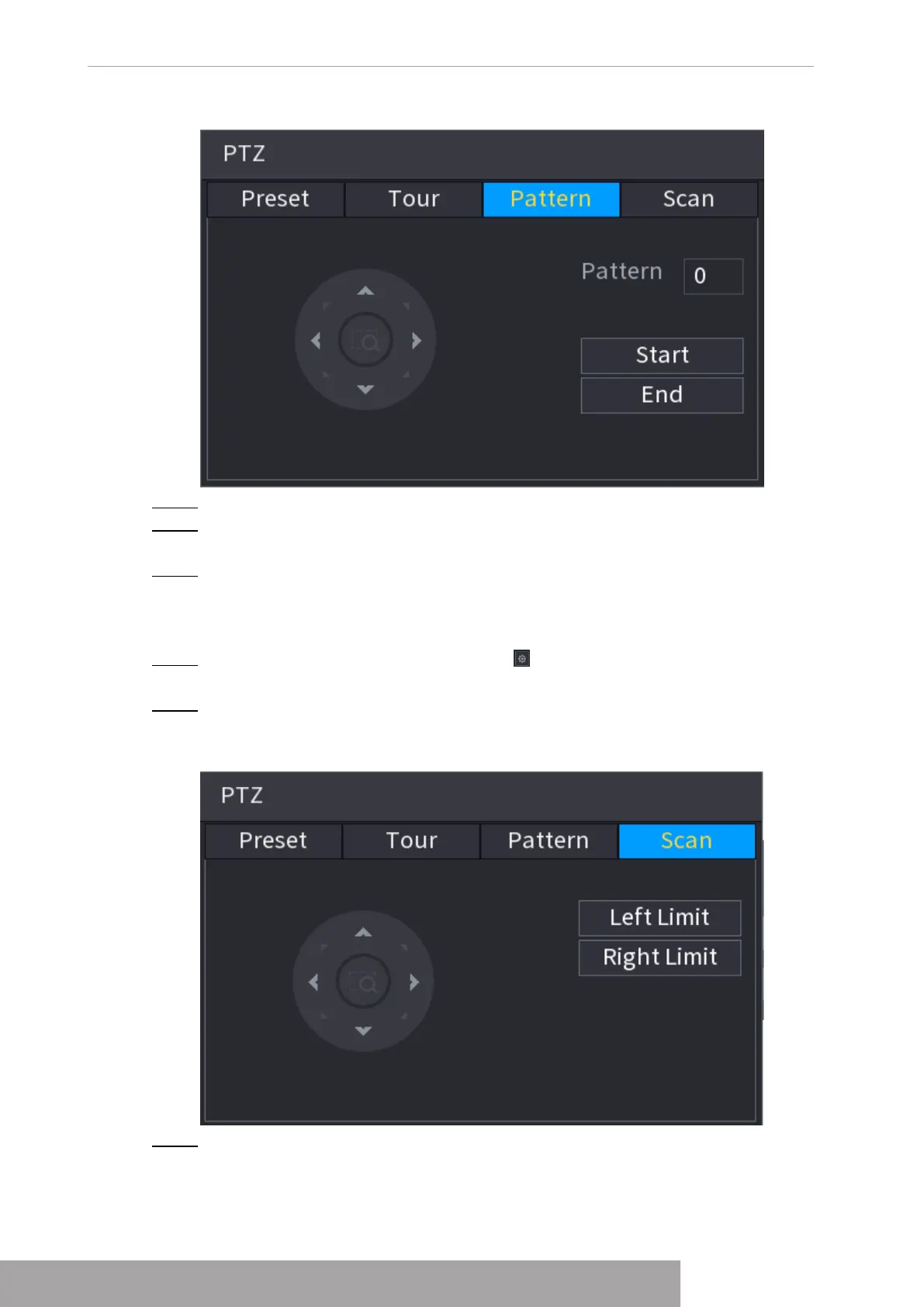
Figure 4-98
Step 3 In the
Pattern
box, enter the value for pattern.
Step 4 Click
Start
to perform the directions operations. You can also go to the PTZ Control
Panel to perform the operations of adjusting zoom, focus, iris, and directions.
Step 5 On the
PTZ
interface, click
End
to complete the settings.
1.4.3.4 Configuring AutoScan
Step 1 On the expanded PTZ control panel, click .
The
PTZ
interface is displayed.
Step 2 Click the
Scan
tab.
The
Scan
interface is displayed. See Figure 4-99.
Figure 4-99
Step 3 Click the direction arrows to position the left and right limits.
Copyright © NSS Sp. z o.o.
User‘s Manual 90



 To Next Page