You can add a USB keyboard through USB port, and it can input characters limited to soft
keyboard.
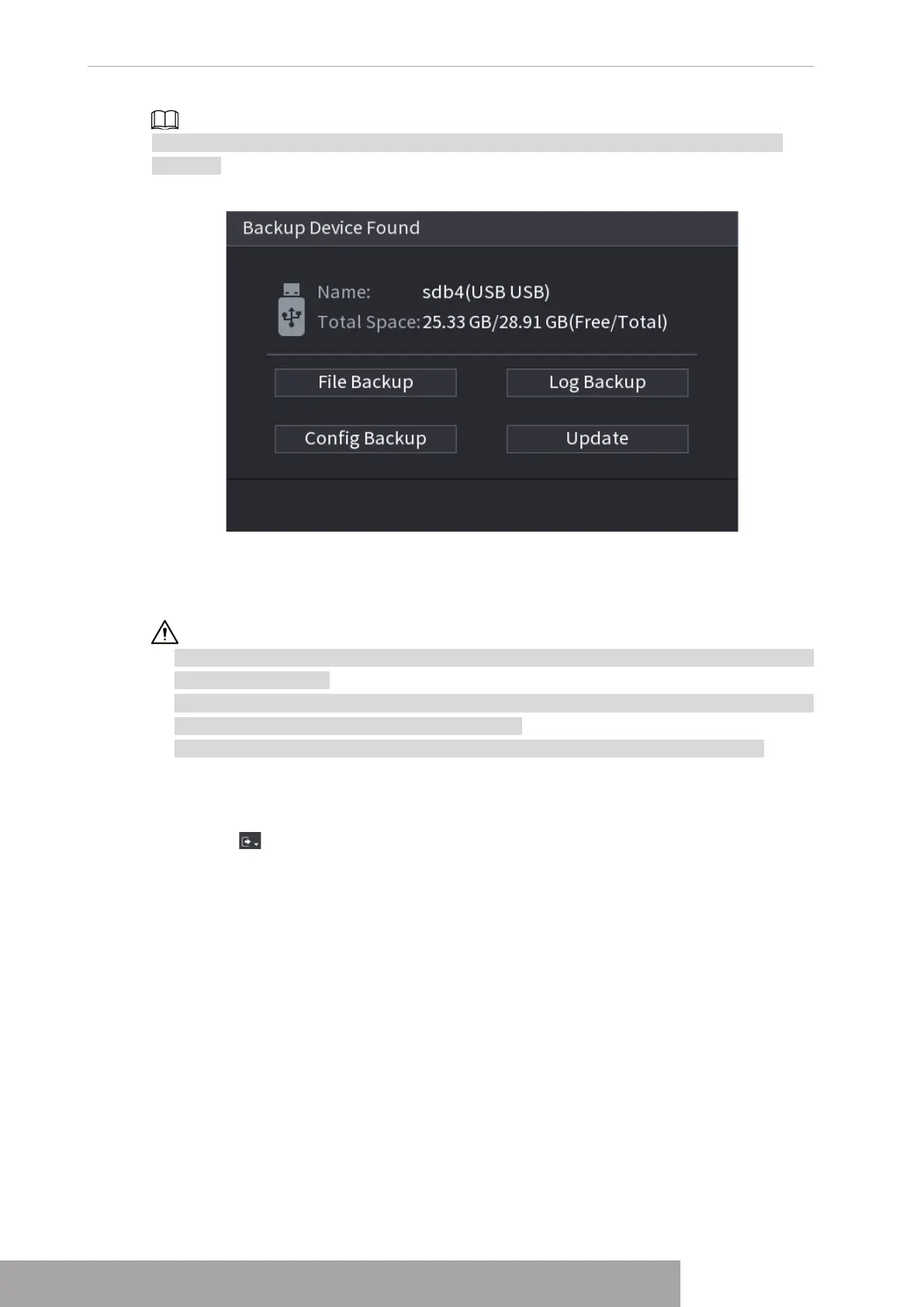
Figure 4-301
1.19 Shutdown
● When you see corresponding dialogue box "System is shutting down…" Do not click power
on-off button directly.
● Do not unplug the power cable or click power on-off button to shutdown device directly when
device is running (especially when it is recording.)
● Shut down the device and then unplug the power cable before you replace the HDD.
Procedure
● From the main menu (Recommended)
1. Click at the top right corner. See Figure 4-302.
Copyright © NSS Sp. z o.o.
User‘s Manual 288



 To Next Page