● To lock the files to make it unable to be overwritten, select the files, and then click
Lock
.
● To add a tag to the file, select the files and then click
Add Tag
.
● Click
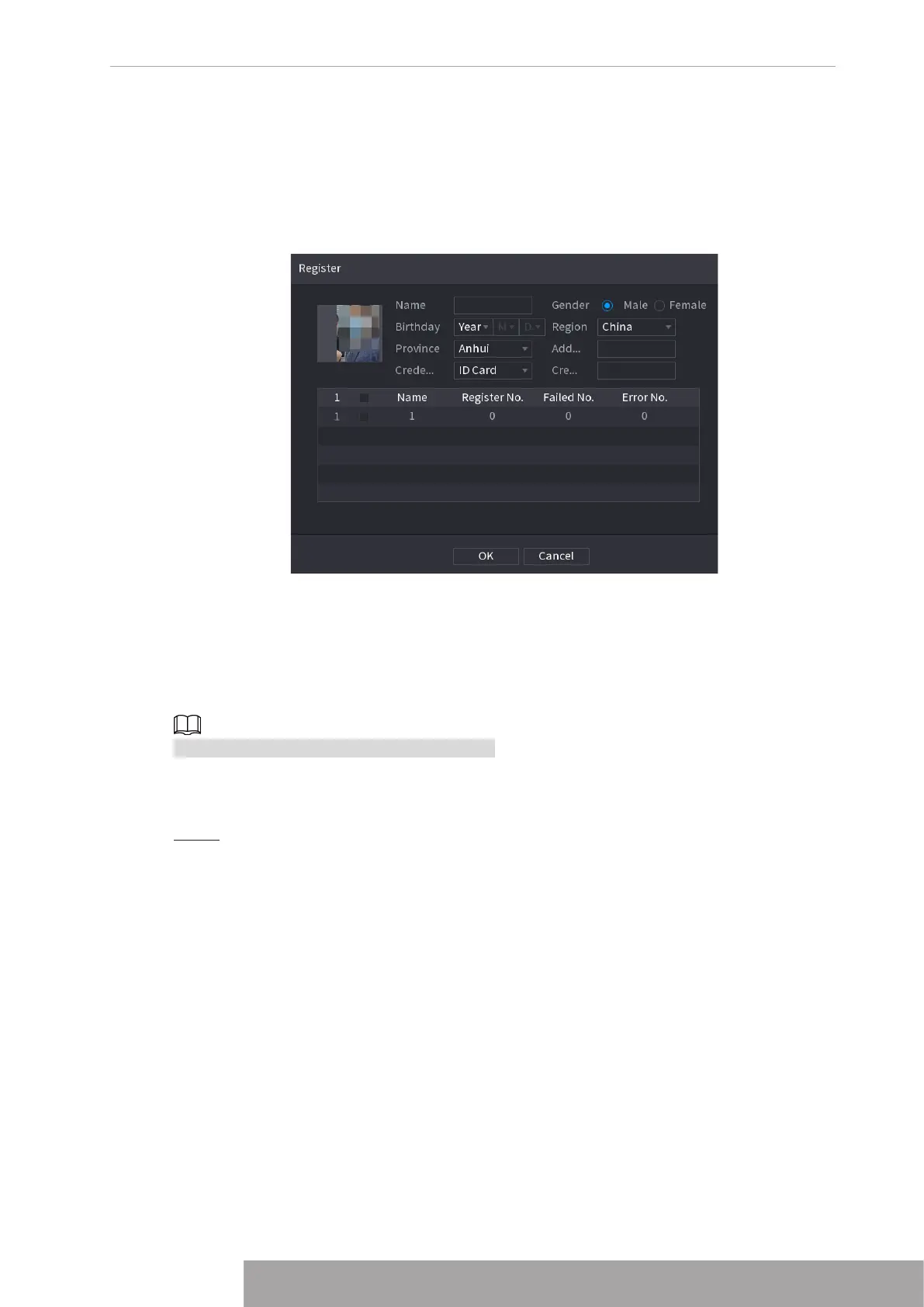
Add to Face Database
and enter corresponding information in the displayed
interface, and then add the picture to the face database.
Figure 4-118 Add face pictures to database
1.7.1.2 Face Recognition
System can search and compare the human face on the video with the face image on the
database, and playback the corresponding record file.
The AI search includes two ways: Search by attributes and search by image.
This function is for some series products only.
1.7.1.2.1 Searching by Attributes
Step 1 Select
Main Menu
>
AI
>
AI Search
>
Face Recognition
>
Search by Attributes
.
The
Search by Attributes
interface is displayed. See Figure 4-119.
Copyright © NSS Sp. z o.o.
107 User‘s Manual



 To Next Page