1.1.4.2 Basic Networking Settings
You can set device IP address, DNS (Domain Name System) information. You can also
configure basic network settings by selecting
Main Menu
>
NETWORK
>
TCP/IP
.
Make sure the device has properly connected to the network.
Step 1 Click
Next
.
The
TCP/IP
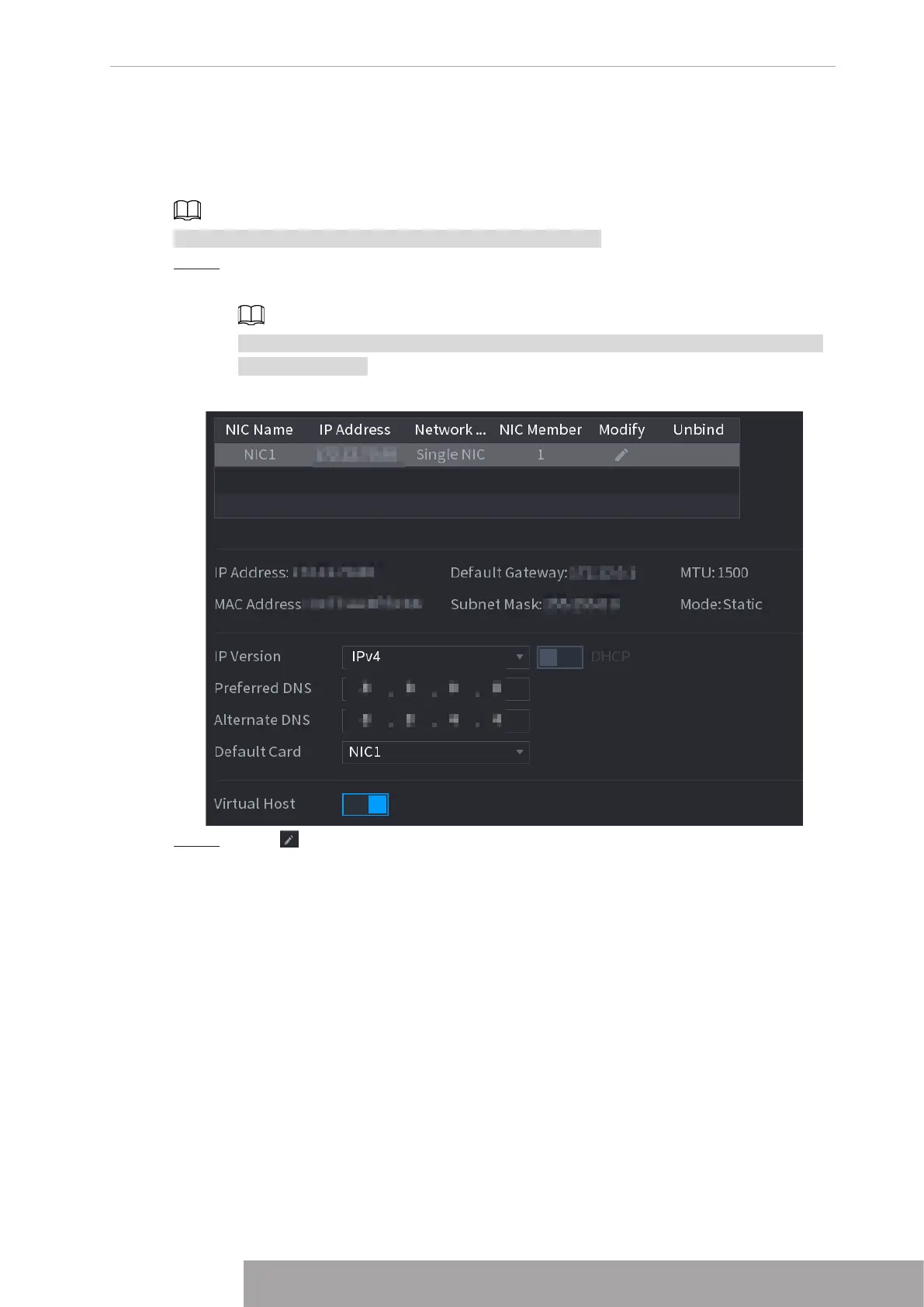
interface is displayed. See Figure 4-21.
Different series products have different Ethernet adapter amount and type. Refer to
the actual product.
Figure 4-21
Step 2 Click .
The
Modify
interface is displayed. See Figure 4-22
Copyright © NSS Sp. z o.o.
19 User‘s Manual



 To Next Page