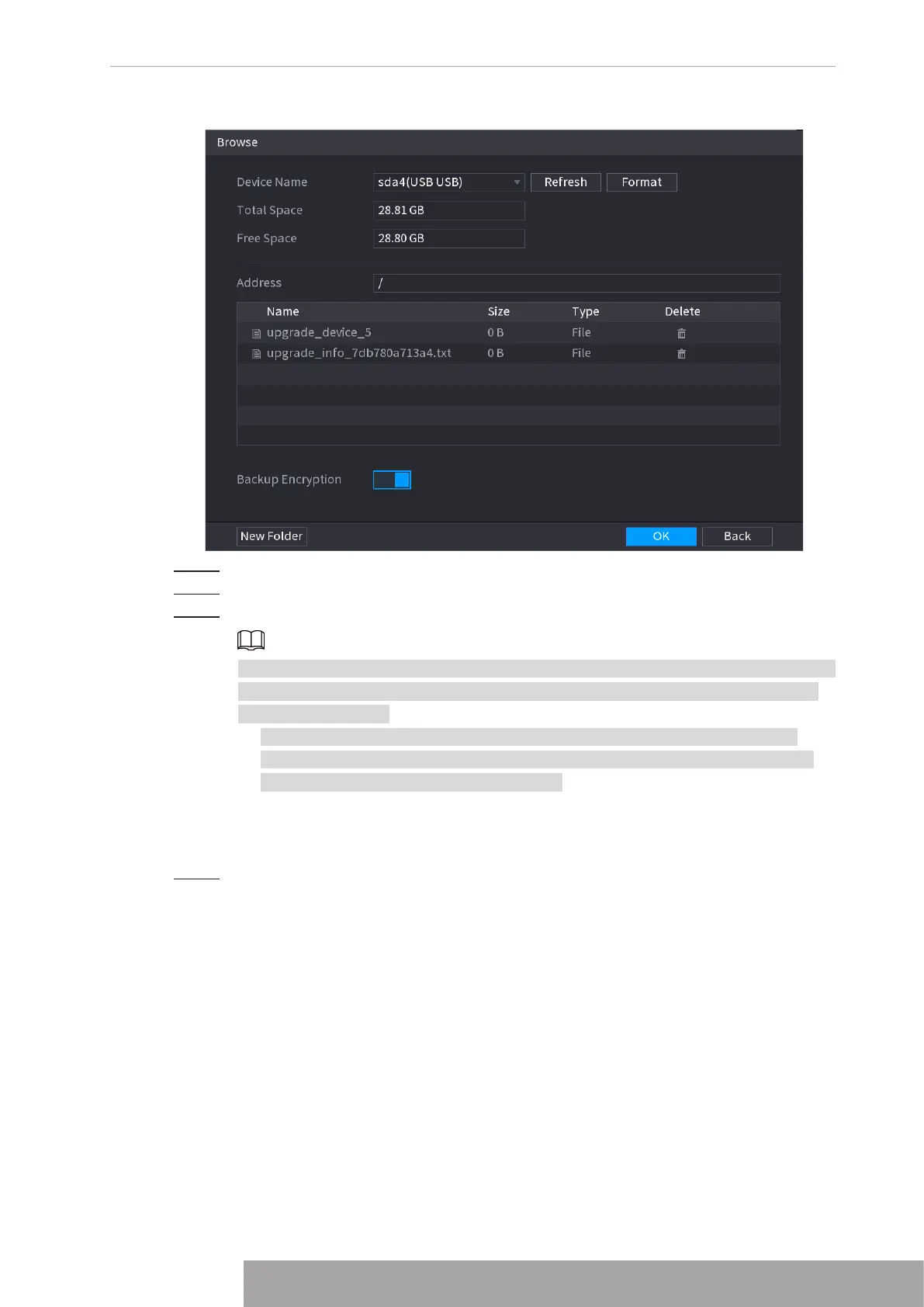
Figure 4-47
Step 2 Select
Address
to save export file.
Step 3 Click
OK
.
Step 4 Device pops up a dialogue box to remind you successfully exported.
When exporting IP address, the
Backup Encryption
check box is checked by default.
The file information includes IP address, port, channel number, manufacturer, user
name, and password.
● If you select the File Backup Encryption check box, the file format is .backup.
● If you clear the File Backup Encryption check box, the file format is .csv. In this
case, there might be a risk of data leakage.
1.2.1.4 IP Import
Step 1 Click
Import
.
The
Browse
interface is displayed. See Figure 4-48.
Copyright © NSS Sp. z o.o.
43 User‘s Manual



 To Next Page