Step 3 Click
Apply
to save the settings.
1.16.3 Customized Display
You can set customized video split mode.
● This function is for some series products. Refer to the actual product for detailed
information.
● Device max. supports 5 customized videos.
Step 1 Select
Main Menu
>
DISPLAY
>
Custom Split
.
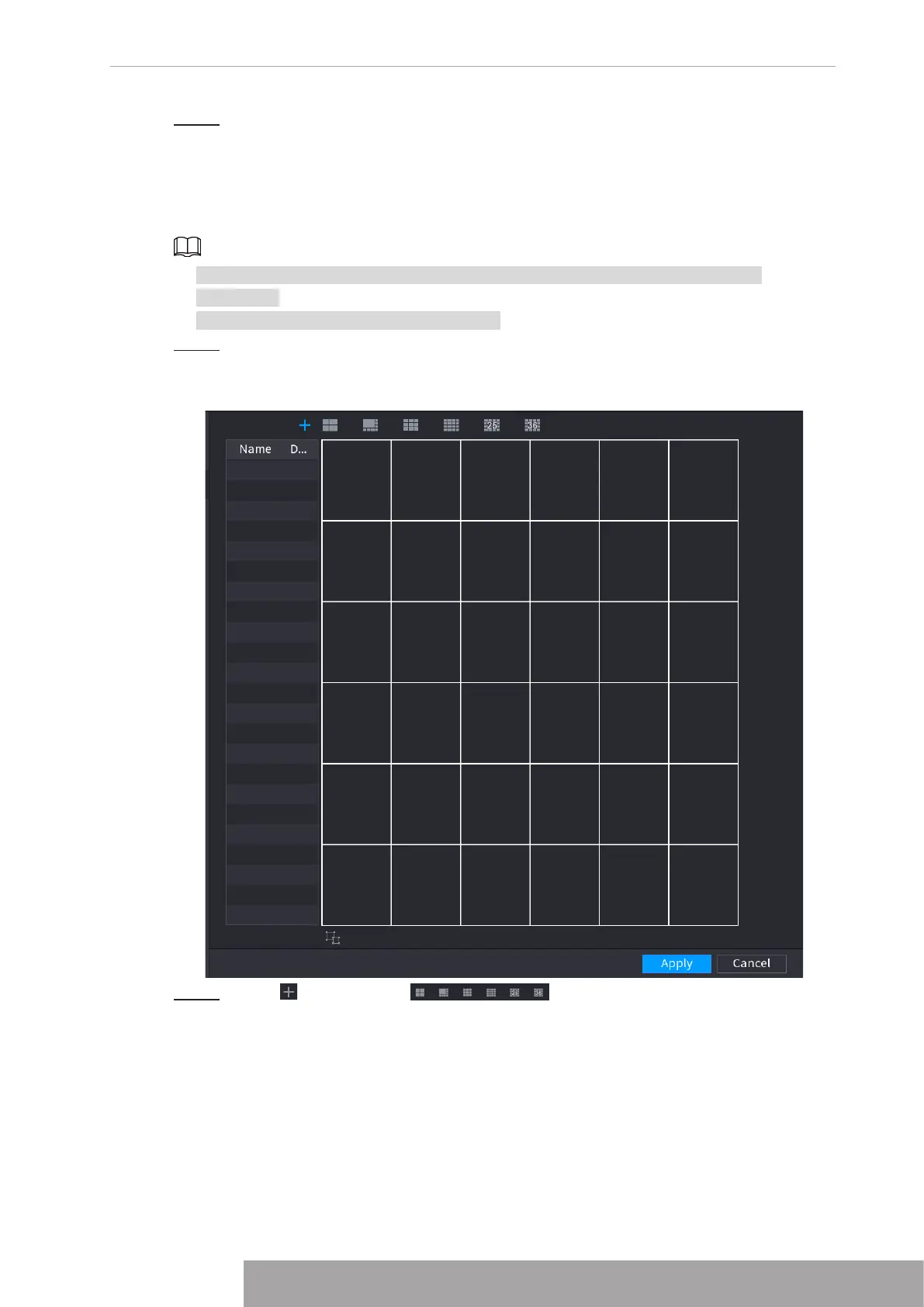
The
Custom Split
interface is displayed. See Figure 4-292.
Figure 4-292
Step 2 Click and then click to select basic mode.
System adopts the basic window mode as the new window name. For example, if you
select the 8 display mode, the default name is Split8.In regular mode, drag the mouse
in the preview frame; you can merge several small windows to one window so that
you can get you desired split mode. See Figure 4-293.
Copyright © NSS Sp. z o.o.
281 User‘s Manual



 To Next Page