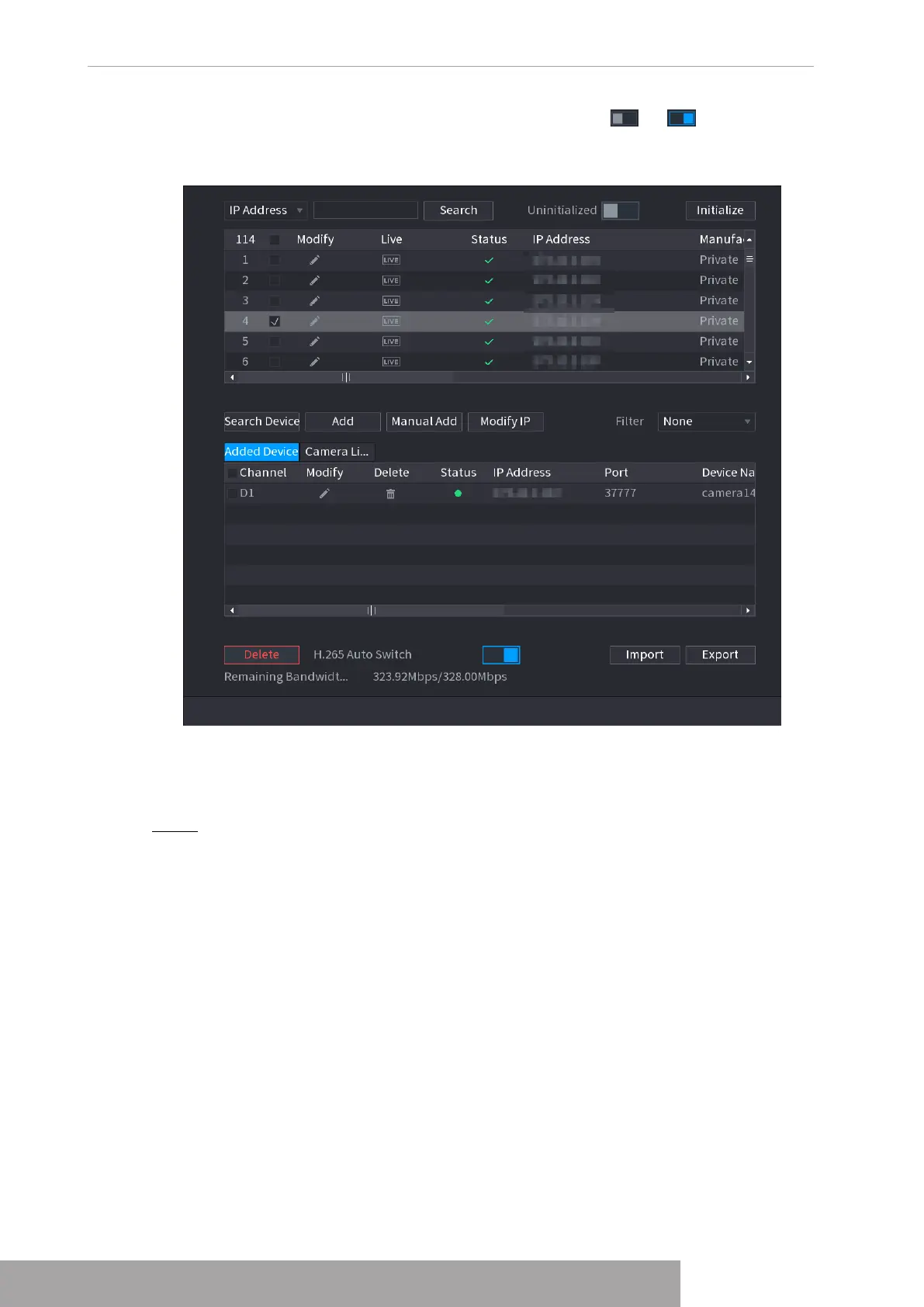
Click
H.265 Auto Switch
at the bottom of the interface, it is from to . The function is
enabled. See Figure 4-44.
Figure 4-46
1.2.1.3 IP Export
Device can export the added device list to your local USB device.
Step 1 Insert the USB device and then click the
Export
.
The
Browse
interface is displayed. See Figure 4-47.
Copyright © NSS Sp. z o.o.
User‘s Manual 42



 To Next Page