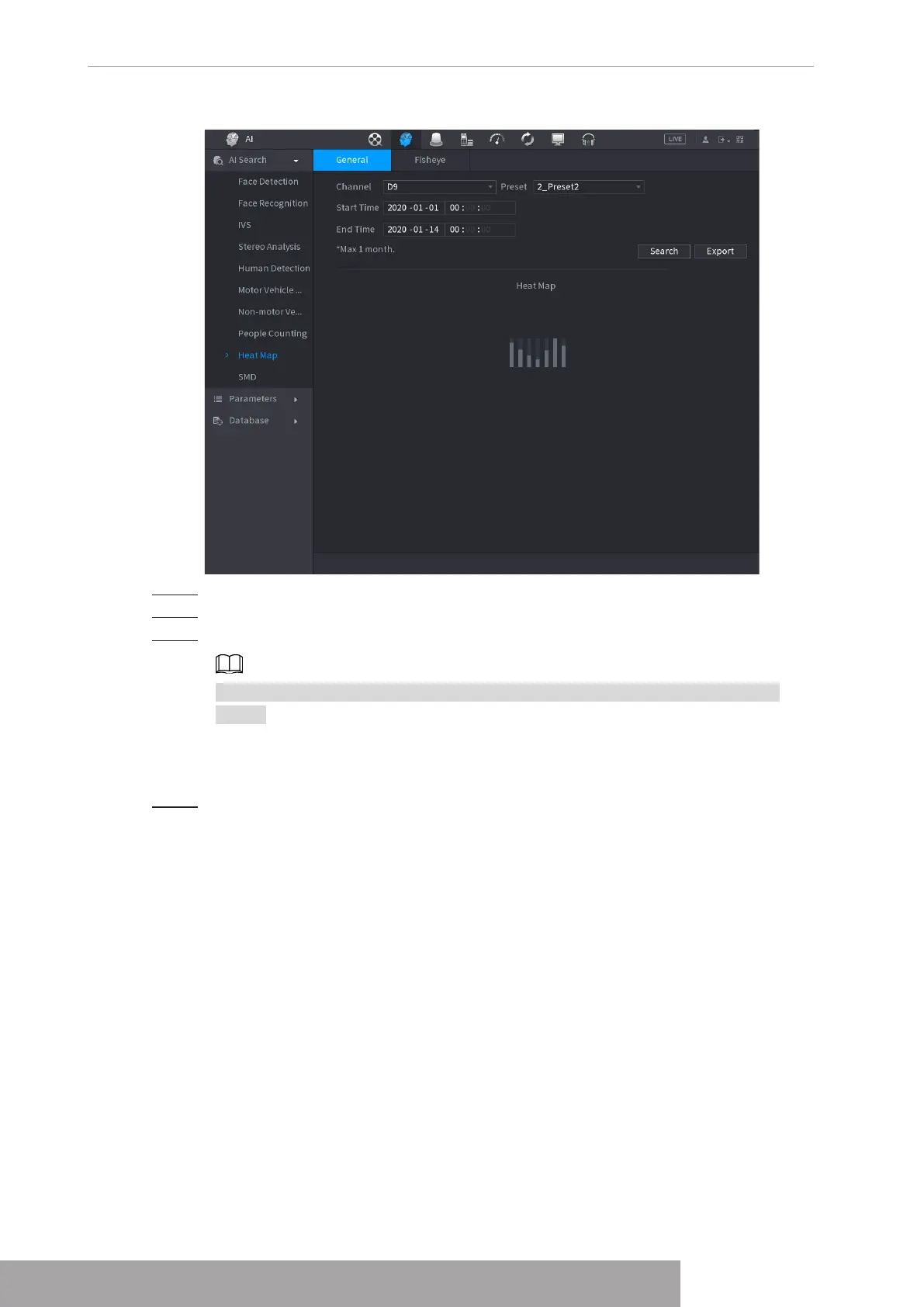
Figure 4-130
Step 2 Select channel, start time, end time.
Step 3 Click
Search
.
Step 4 System display heat map report.
Click
Export
, and then select path. Click
Save
to save current report to the USB
device.
1.7.1.9.2 Fisheye
Step 1 Select
Main Menu
>
AI
>
AI Search
>
Heat Map
>
Fisheye
.
The
Fisheye
interface is displayed. See Figure 4-131
Copyright © NSS Sp. z o.o.
User‘s Manual 120



 To Next Page