This function is for some series products only.
Step 1 Select
Main Menu
>
SEARCH
.
The
SEARCH
interface is displayed.
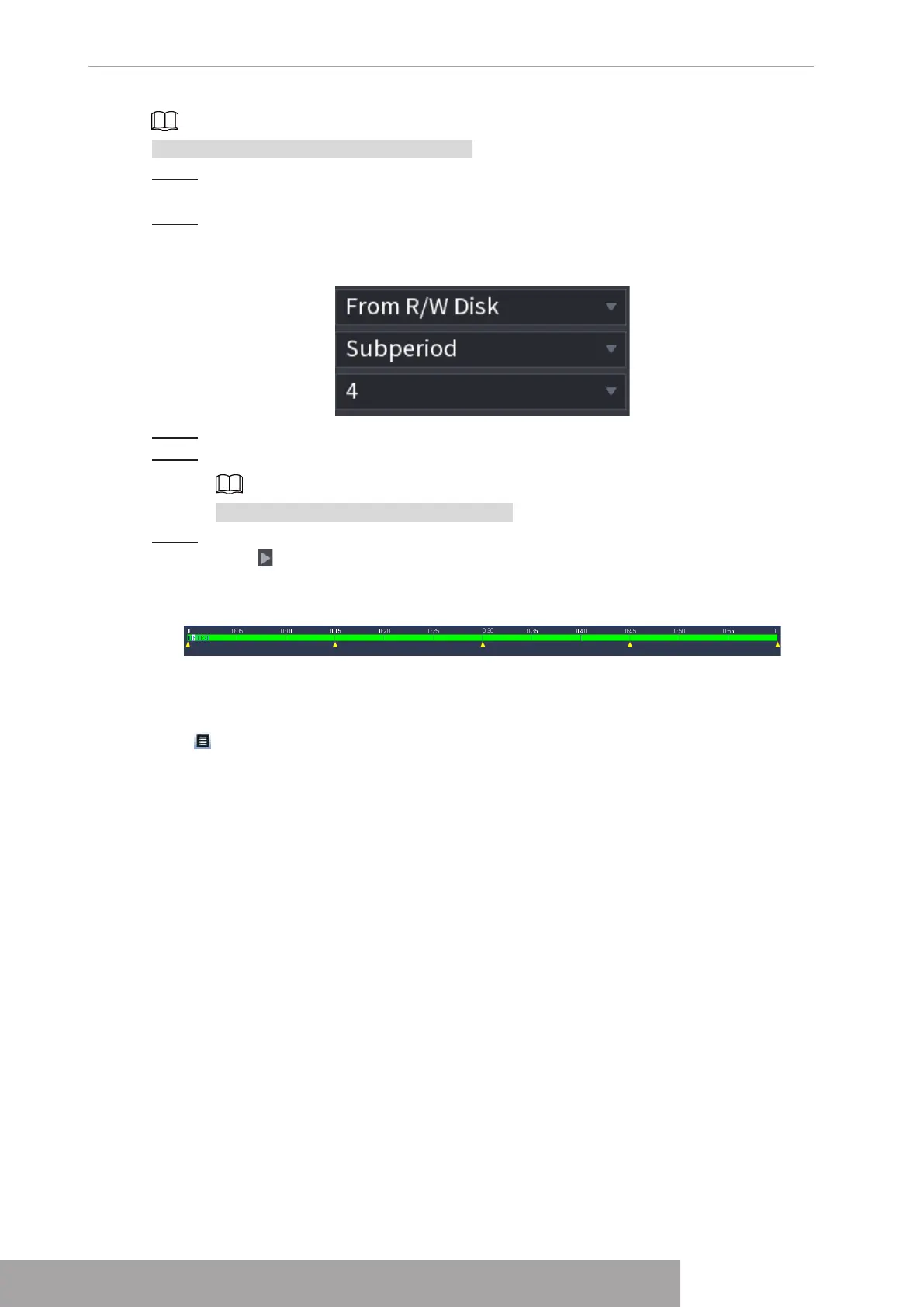
Step 2 In the Search Type list, select
Subperiod
; In the Split Mode list, select 4, 8, or 16. See
Figure 4-111.
Figure 4-111
Step 3 In the
Calendar
area, select a date.
Step 4 In the
Camera Name
list, select a channel.
Only single-channel supports this function.
Step 5 Start playing back splices. See Figure 4-112.
Click , the playback starts from the beginning.
Double-click anywhere on the time bar, the playback starts from where you click.
Figure 4-112
1.6.8 File List
Click , system displays file list. It displays the first channel of the record. See Figure 4-113.
Copyright © NSS Sp. z o.o.
User‘s Manual 102



 To Next Page