1.8.5.1.2 Setting Schedule
The system only activates the alarm in the defined period.
Step 1 Next to
Schedule
, click
Setting
.
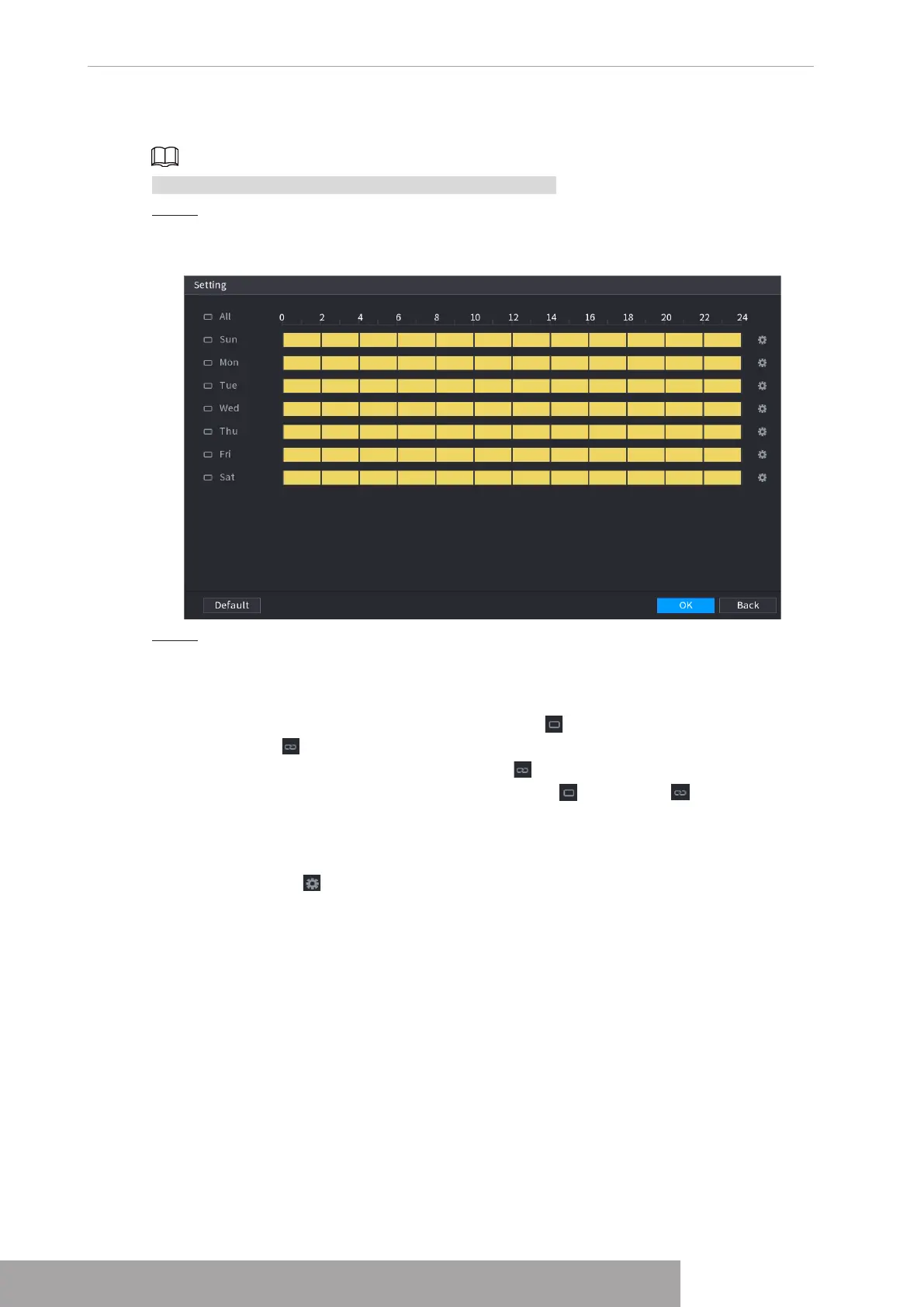
The Setting interface is displayed. See Figure 4-192.
Figure 4-192
Step 2 Define the motion detection period. By default, it is active all the time.
● Define the period by drawing.
◇
Define for a specified day of a week: On the timeline, click the half-hour blocks
to select the active period.
◇
Define for several days of a week: Click before each day, the icon switches
to . On the timeline of any selected day, click the half-hour blocks to select
the active periods, all the days with will take the same settings.
◇
Define for all days of a week: Click
All
, all switches to . On the timeline
of any day, click the half-hour blocks to select the active periods, all the days
will take the same settings.
● Define the period by editing. Take Sunday as an example.
1. Click .
The
Period
interface is displayed. See Figure 4-193.
Copyright © NSS Sp. z o.o.
User‘s Manual 182



 To Next Page