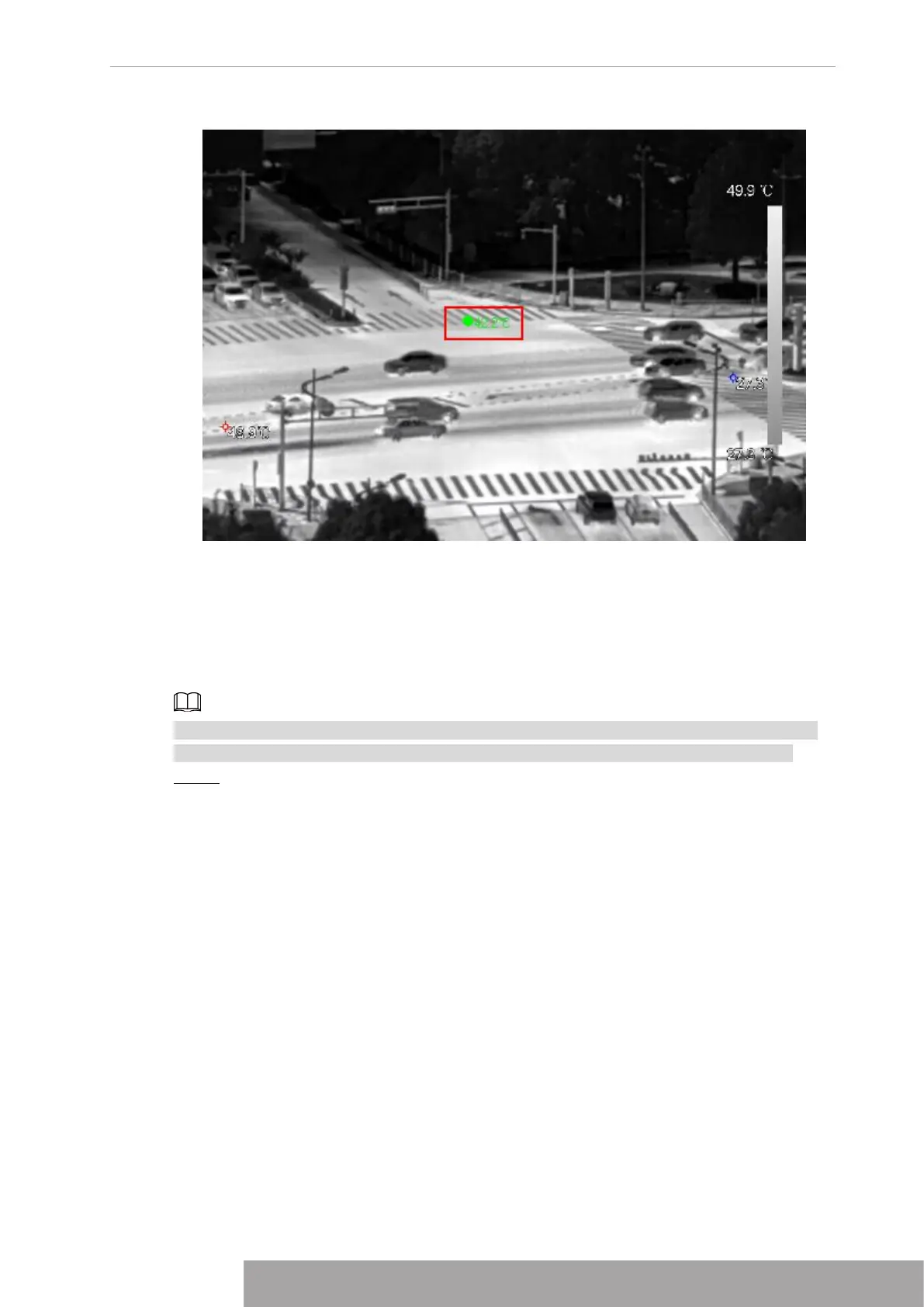
Figure 4-81
1.3.8 AI Live View Mode
When you select AI mode, the system displays information of human face, personnel, vehicle
and non-motor vehicle on the right side of the preview interface, and it supports to play back
records and display feature attributes.
You need to enable face detection, body detection, vehicle detection and non-motor vehicle
detection to support this function. For details, see "4.7.2.5 Video Structuring (Metadata)".
Step 1 Right click to select
Live Mode
>
AI Mode
.
The AI preview interface is displayed. See Figure 4-82.
Copyright © NSS Sp. z o.o.
77 User‘s Manual



 To Next Page