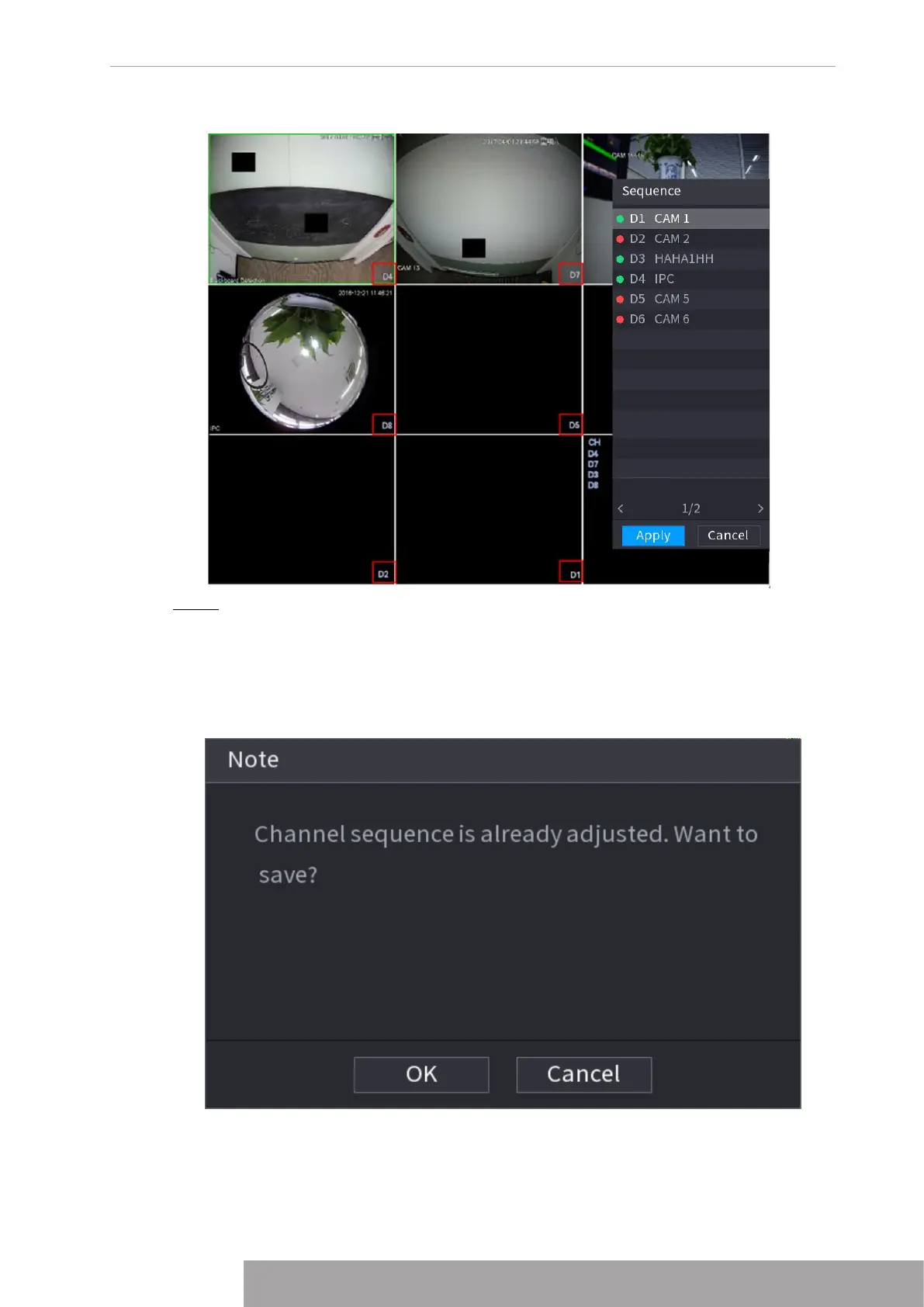
Figure 4-76
Step 3 Click
Apply
to save current channel sequence.
After you change the channel sequence, click
Cancel
or right-click the live view
interface, device pops up the dialogue box. See Figure 4-77.
● Click
OK
to save current settings.
● Click
No
to exit without saving the settings.
Figure 4-77
1.3.6 Fisheye (Optional)
This function is for some series products only.
Copyright © NSS Sp. z o.o.
73 User‘s Manual



 To Next Page