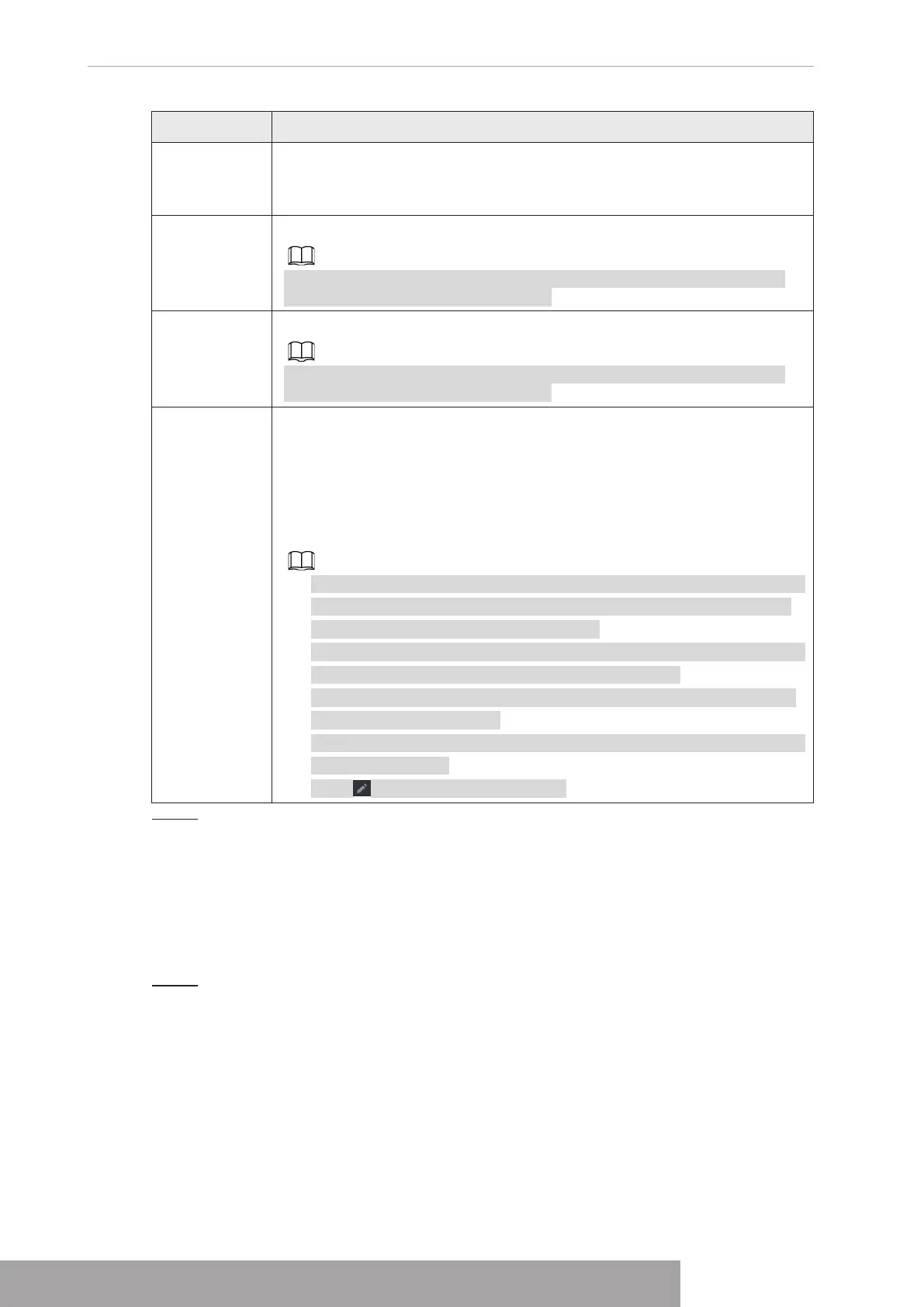
Parameter Description
Status
Indicates the status of UPnP function.
● Offline: Failed.
● Online: Succeeded.
LAN IP
Enter IP address of router on the LAN.
After mapping succeeded, the system obtains IP address automatically
without performing any configurations.
WAN IP
Enter IP address of router on the WAN.
After mapping succeeded, the system obtains IP address automatically
without performing any configurations.
Port Mapping
List
The settings in port mapping list correspond to the UPnP port mapping list
on the router.
● Service Name: Name of network server.
● Protocol: Type of protocol.
● Internal Port: Internal port that is mapped on the Device.
● External Port: External port that is mapped on the router.
● To avoid the conflict, when setting the external port, try to use the ports
from 1024 through 5000 and avoid popular ports from 1 through 255
and system ports from 256 through 1023.
● When there are several devices in the LAN, properly arrange the ports
mapping to avoid mapping to the same external port.
● When establishing a mapping relationship, ensure the mapping ports
are not occupied or limited.
● The internal and external ports of TCP and UDP must be the same and
cannot be modified.
● Click to modify the external port.
Step 3 Click
Apply
to complete the settings.
In the browser, enter http://WAN IP: External IP port. You can visit the LAN Device.
1.11.10 Email
You can configure the email settings to enable the system to send the email as a notification
when there is an alarm event occurs.
Step 1 Select
Main Menu
>
NETWORK
>
Email
.
The
Email
interface is displayed. See Figure 4-235.
Copyright © NSS Sp. z o.o.
User‘s Manual 228



 To Next Page