71
Playback".
● Lock recorded video: If you want to keep the recorded video permanently, select
the picture, and then click
Lock
to lock video so that it cannot be overwritten and
deleted.
● Back up recorded video or picture: Select the picture, and then click
Backup
. The
Backup
interface is displayed. Then you can set save path, backup type, and file
type, and then export to the external storage device.
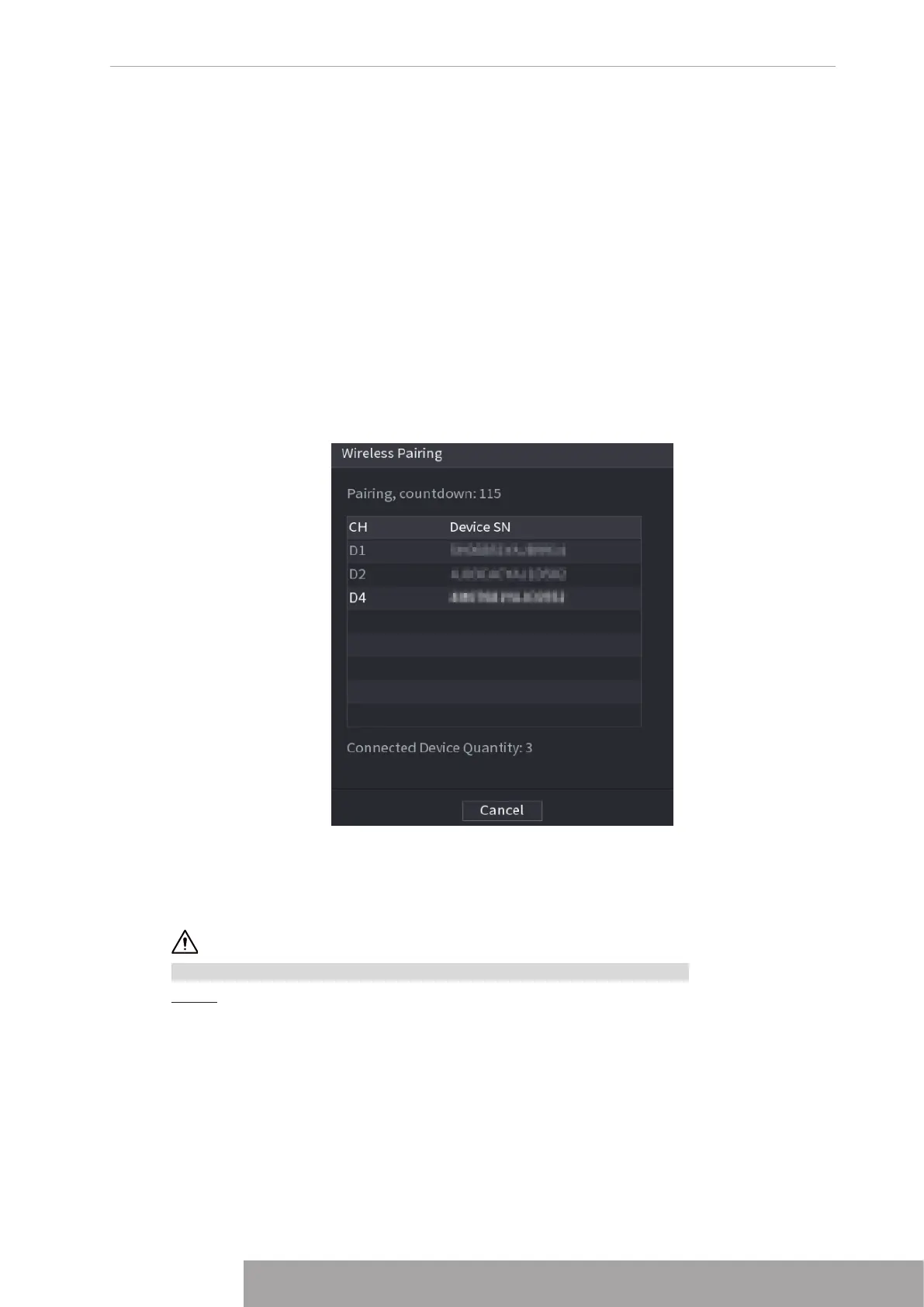
1.3.4 Wireless Paring
Right-click on the screen and select
Wireless Paring
. The
Wireless Pairing
interface is
displayed. See Figure 4-74.
The device enters a 120 seconds pairing countdown.
You can see the video of the paired IPC after pairing is successful.
Figure 4-74
1.3.5 Sequence
You can set customized view layout.
The preview layout restores default channel layout after Default operation.
Step 1 On the preview interface, right click mouse and then click
Sequence
.
The
Sequence
interface is displayed. See Figure 4-75.
Copyright © NSS Sp. z o.o.
71 User‘s Manual



 To Next Page