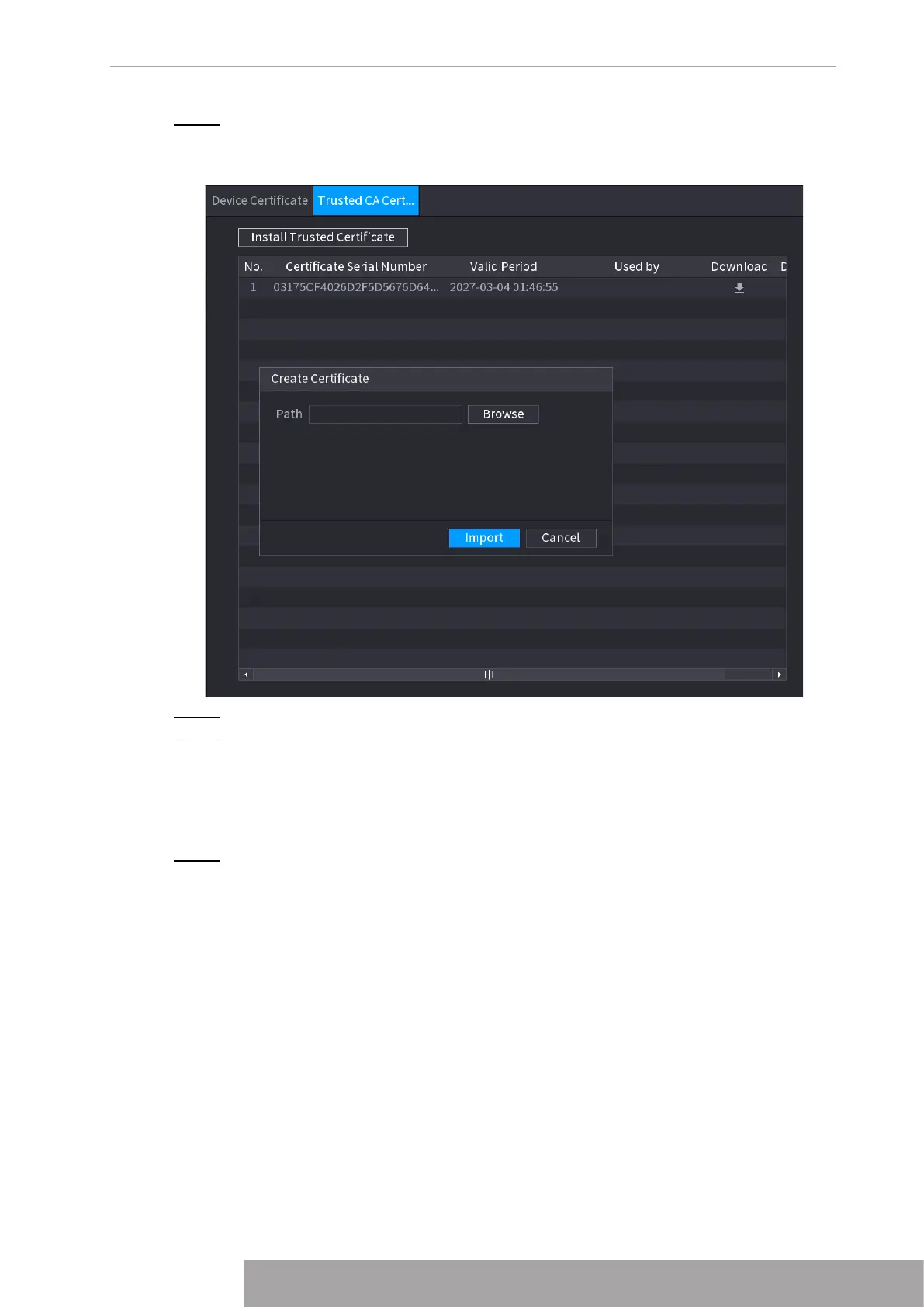
Step 2 Click
Install Trusted Certificate
.
The
Create Certificate
is displayed. See Figure 4-277.
Figure 4-277 Creating certificate
Step 3 Click
Browse
to select the certificate that you want to install.
Step 4 Click
Import
.
1.14.5 Audio/Video Encryption
The device supports audio and video encryption during data transmission.
Step 1 Select
Main Menu
>
SECURITY
>
AUDIO/VIDEO ENCRYPTION
>
Audio/Video
Transmission
.
The
Audio/Video Transmission
interface is displayed. See Figure 4-278.
Copyright © NSS Sp. z o.o.
267 User‘s Manual



 To Next Page