Parameter Description
MAC Address
Enter MAC Address that is allowed or forbidden
When Type is MAC Address, they can be configured.
Step 4 Click
Apply
to complete the settings.
1.14.3.2 Account Lockout
Step 1 Select
Main Menu
>
SECURITY
>
Attack Defense
>
Account Lockout
.
The
Account Lockout
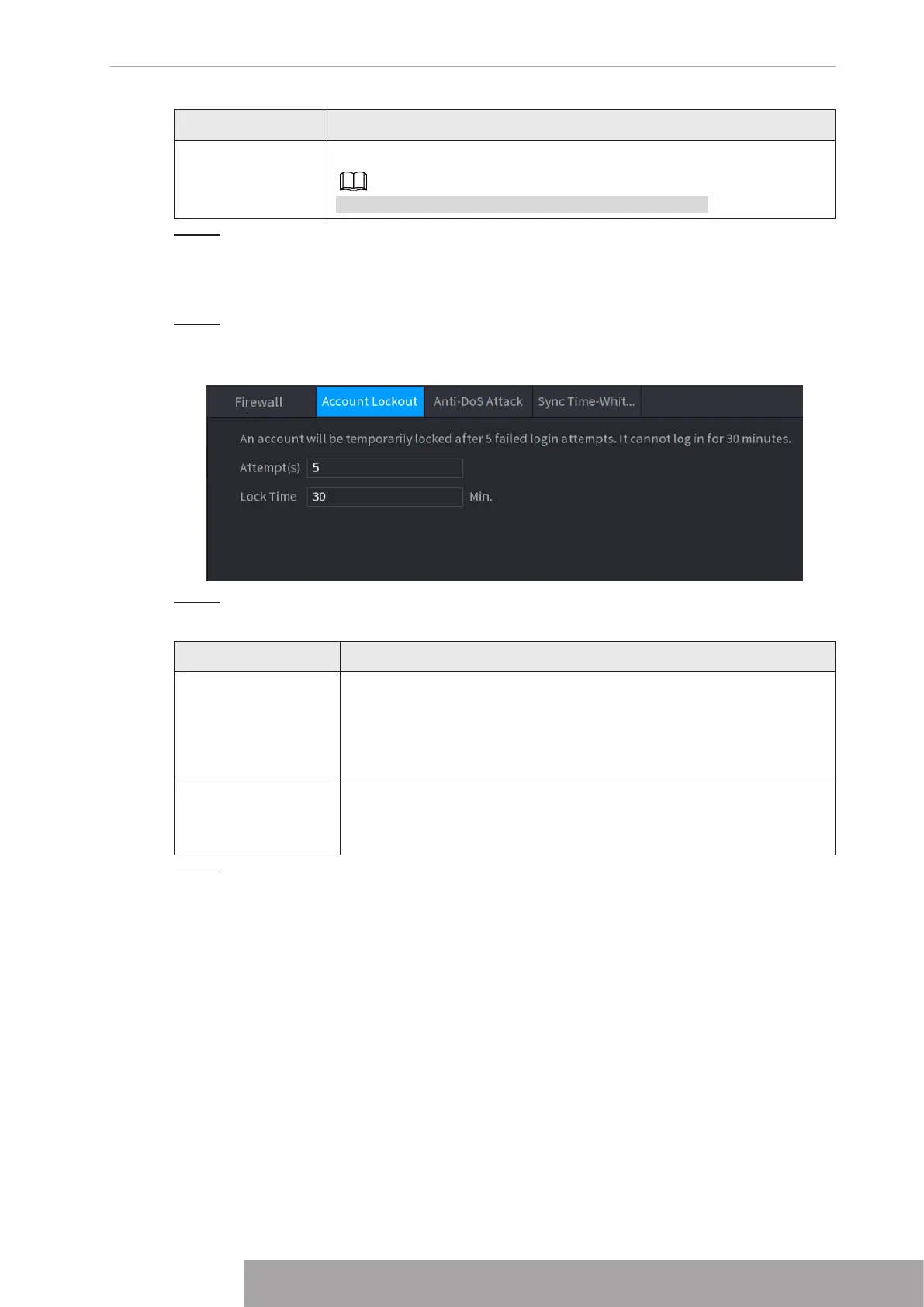
interface is displayed. See Figure 4-272.
Figure 4-272 Account lockout
Step 2 Set parameters. See Table 4-87.
Table 4-87 Account lockout parameters
Parameter Description
Attempt(s)
Set the maximum number of allowable wrong password entries. The
account will be locked after your entries exceed the maximum
number.
Value range: 5–30.
Default value: 5.
Lock Time
Set how long the account is locked for.
Value range: 5–120 minutes.
Default value: 30 minutes.
Step 3 Click
Apply
to complete the settings.
1.14.3.3 Anti-Dos Attack
You can enable
SYN Flood Attack Defense
and
ICMP Flood Attack Defense
to defend the
device against Dos attack. See Figure 4-273.
Copyright © NSS Sp. z o.o.
263 User‘s Manual



 To Next Page