Parameter Description
Type
In the
Type
list, you can select
Scheduled
, or
Event
.
● Scheduled: The snapshot is taken during the scheduled period.
● Event: The snapshot is taken when there is an alarm event
occurs, such as motion detection event, video loss, and local
alarms.
Size
In the
Size
list, select a value for the image. The bigger the value is,
the better the image will become.
Quality
Configure the image quality by 6 levels. The higher the level is, the
better the image will become.
Interval
Configure or customize the snapshot frequency. Max. supports 3600
seconds/image.
Step 3 Click
Apply
.
1.2.7 Channel Name
You can customize channel name.
Step 1 Select
Main Menu
>
Camera
>
Camera Name
.
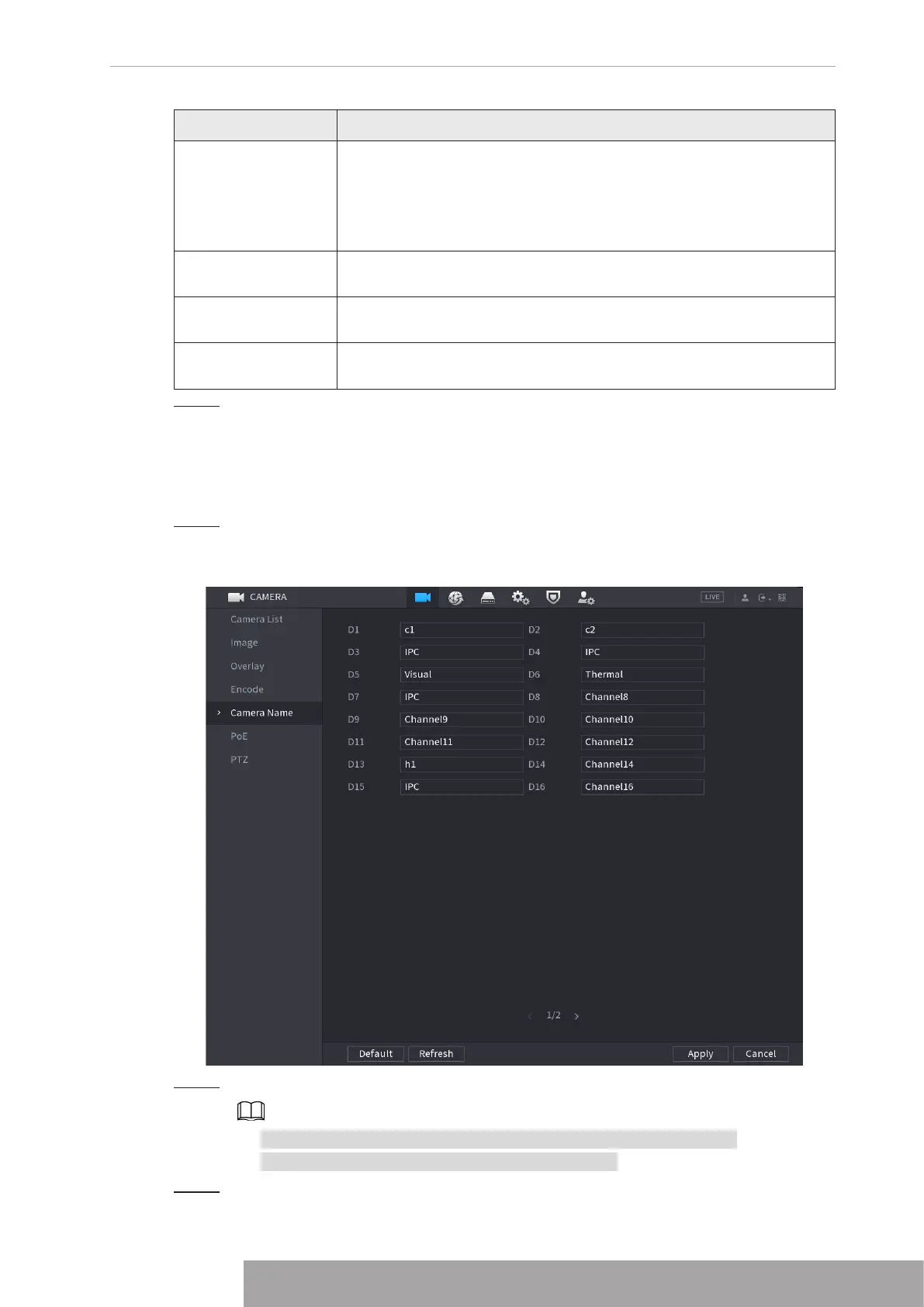
The
Camera Name
interface is displayed. See Figure 4-60.
Figure 4-60
Step 2 Modify a channel name.
● You can only change the camera connected via the private protocol.
● The channel name supports 63 English characters.
Step 3 Click
Apply
.
Copyright © NSS Sp. z o.o.
57 User‘s Manual



 To Next Page