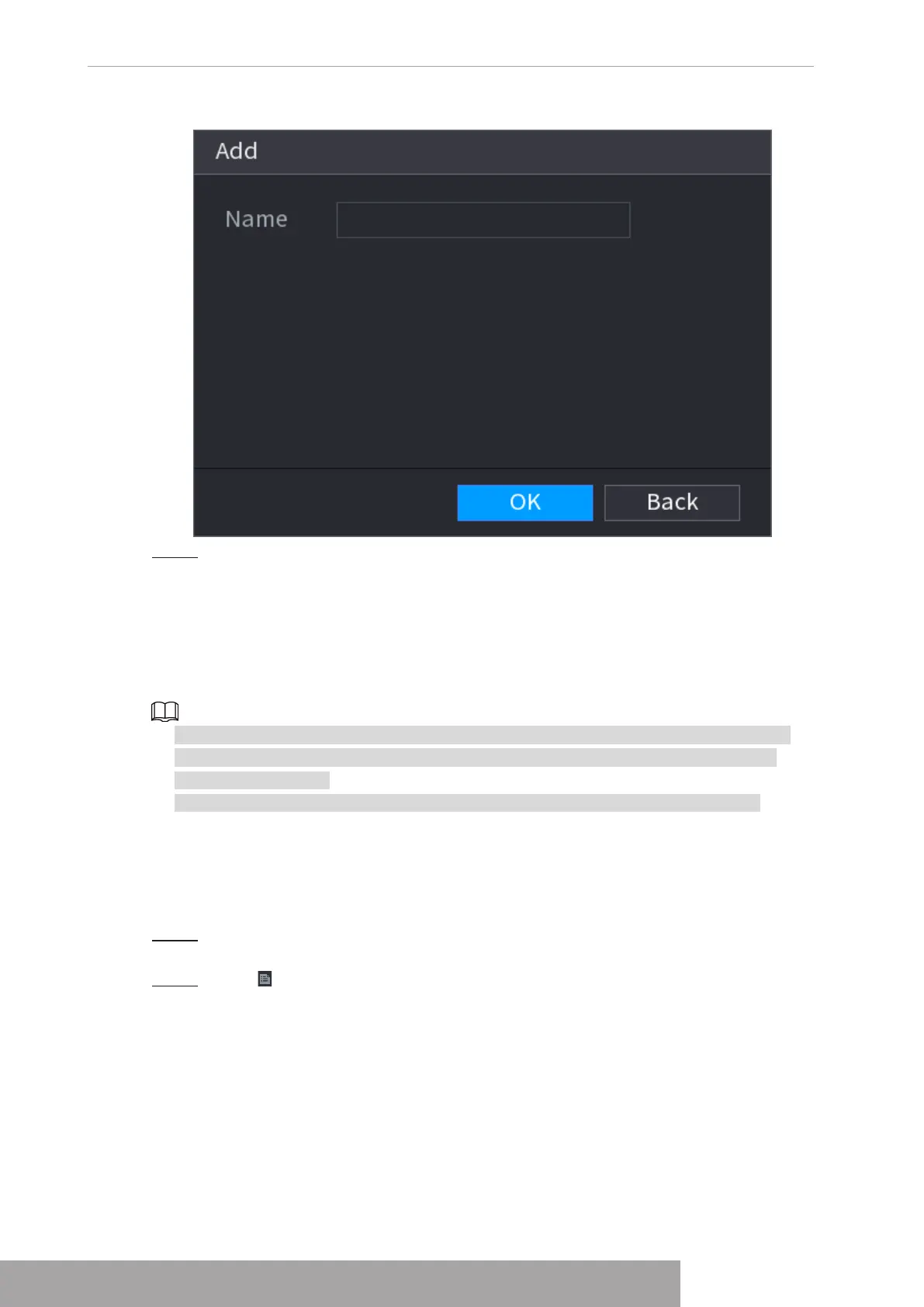
Figure 4-175
Step 3 Enter human face database name and then click
OK
.
System successfully saves the face library.
1.7.3.1.1 Adding Face Pictures
You can add face pictures to the existing libraries one by one or by batch, or add from the
detected faces.
● To add face pictures one by one or by batch, you need to get the pictures from the USB
storage device. The picture size should be smaller than 256K with resolution between
200×200–6000×5000.
● The picture resolution for NVR2-I series should be less than or equal to 1920×1080.
1.7.3.1.2 Adding One Face Picture
You can add one face picture to the database. It is for the scenario that the registered human
face picture amount is small.
Step 1 Select
Main Menu
>
AI
>
Database
>
Face Database Config
The
Face Database Config
interface is displayed.
Step 2 Click of the library that you want to configure.
The
Details
interface is displayed. See Figure 4-176.
Copyright © NSS Sp. z o.o.
User‘s Manual 166



 To Next Page